









01
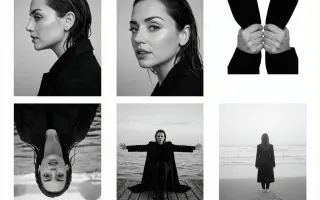
Give your reference a direction to move
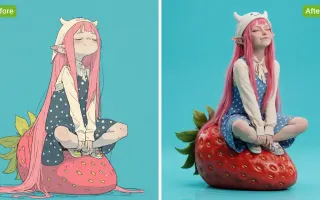
Animate a reference image with Wan 3.0. Describe a gesture, moving fabric or a small camera move, then inspect the subject through the whole clip.
Wan 3.0 is a browser-based creative workspace for making AI video from text or reference images. Start with one scene, direct its movement, and review the take before building a longer edit.
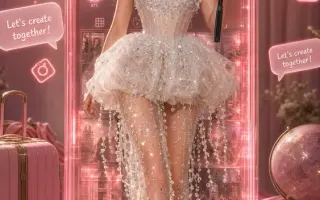
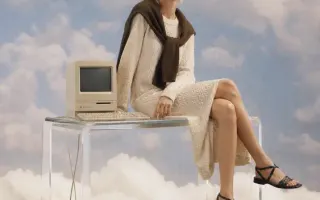
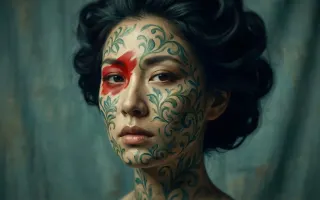
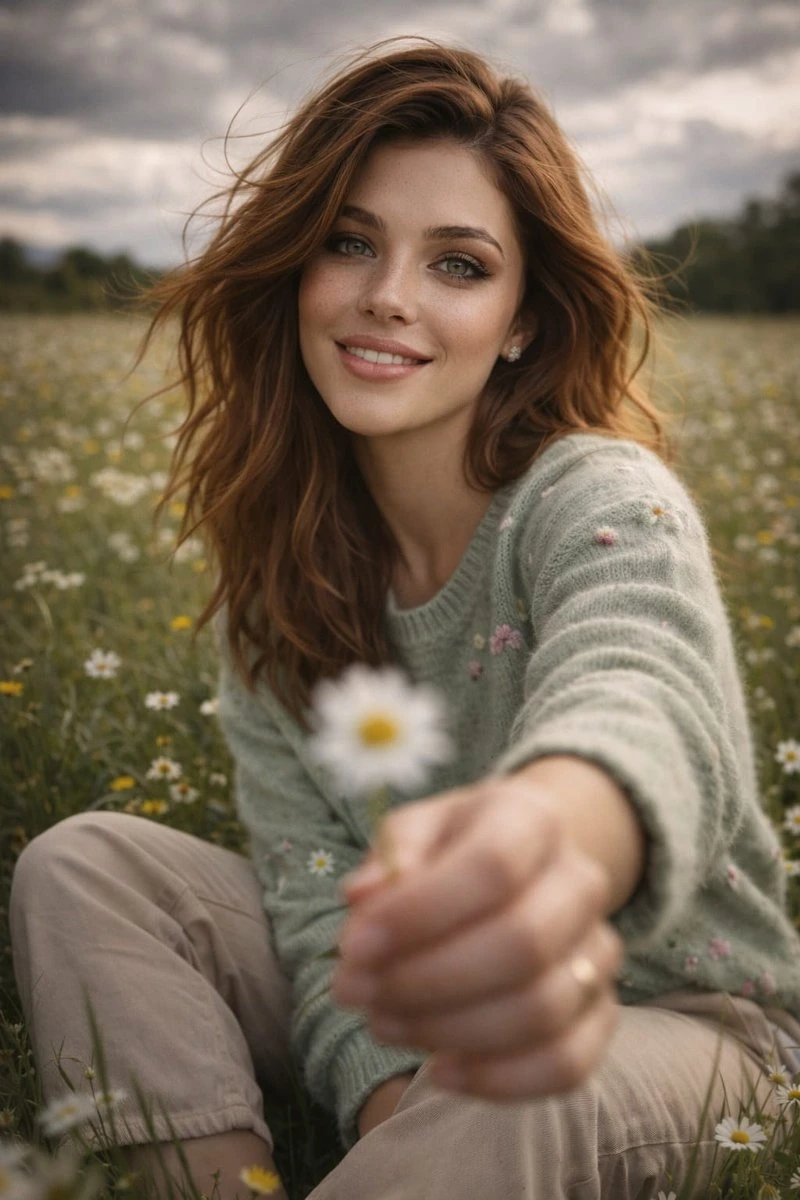
Find a starting frame for your next Wan 3.0 video: a portrait, product shot or imagined world. Use a reference image to guide the subject, then describe how the scene should move.

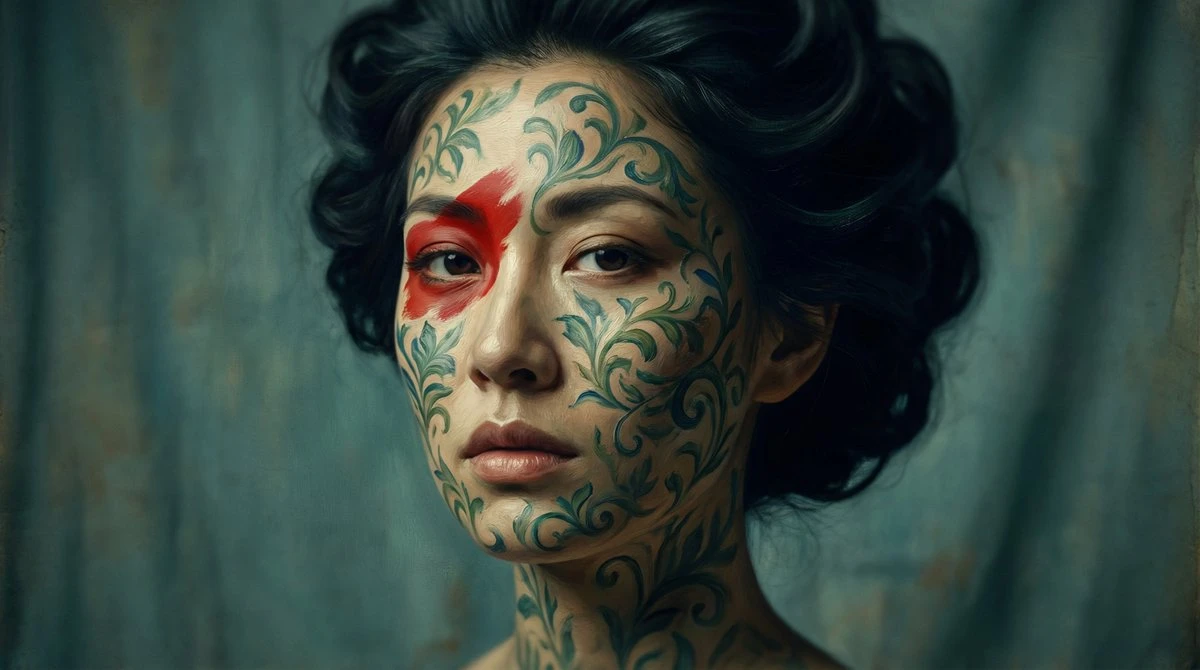



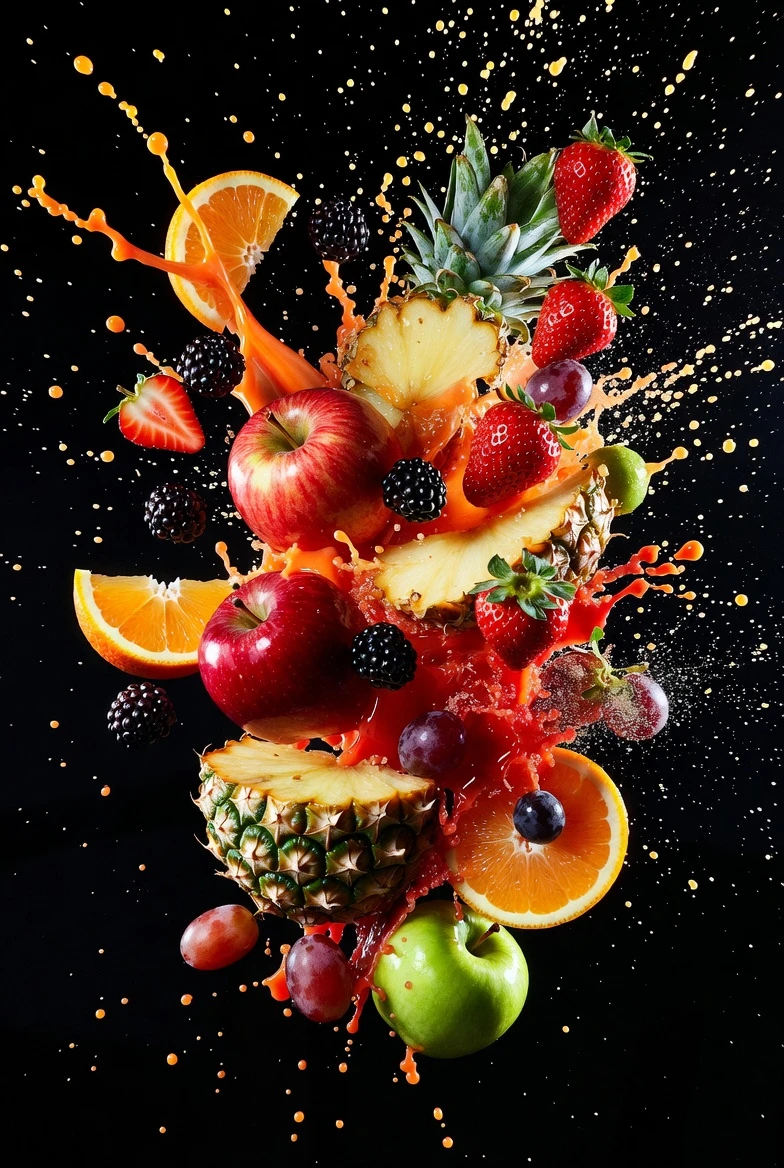
Choose a Wan 3.0 tool to remove distractions, edit a background or enhance a photo. Start with the task your image needs.
Wan 3.0 is a browser-based creative workspace for making AI video from text or reference images. Start with one scene, direct its movement, and review the take before building a longer edit.
Animate a reference image with Wan 3.0. Describe a gesture, moving fabric or a small camera move, then inspect the subject through the whole clip.
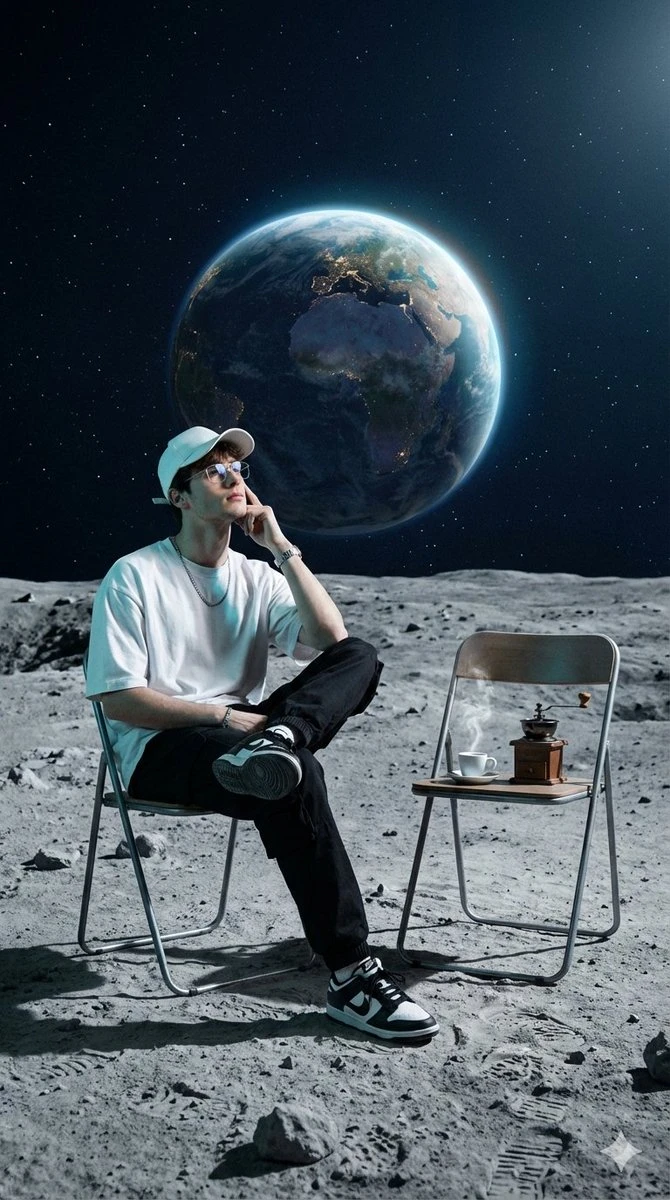
Try the same event in daylight, at dusk or with an illustrated treatment. Keep the action consistent so you can judge how the visual direction changes the scene.
Start with a supported product reference and plan a reveal, material close-up or single interaction. Compare labels, proportions and moving parts with the real item before publishing.
Generate a series opener, a process detail or an insert between talking points. Choose a supported frame format and add final captions and sound in your editor.
Describe a scene, choose the supported format and review its credit estimate. Follow the task in Create and watch the completed take before downloading.

Write who appears, what happens and where the camera stands. Add a supported reference when it should guide the subject or movement.
Select a video model and its available duration, aspect ratio and resolution. Check the estimate for these settings before generating.
Review the finished clip in Create. Inspect the full motion and key details, then download it or change one instruction for another take.
Give each clip a clear purpose in the project. Choose a scene to develop before spending credits on the next variation.
Plan a readable event, then generate a take to test framing and movement. Assemble the selected clips in your editor when the scene direction is clear.
Use a consistent product brief to try a different reveal or setting. Judge whether the opening communicates the intended message before producing more footage.
Build a shot around texture, a control or one useful interaction. Compare the generated appearance with owned product references before adding it to a listing.
Explore light, palette or an illustrated medium while keeping the main event in the brief. Use the take to decide which direction deserves a more detailed edit.
Check how to start, which inputs to prepare and where to confirm credits.
Need help? Contact support
Use the workspace to generate video scenes from text or supported image references. Image creation and editing tools are available for preparing supporting visuals.
Describe a subject and a visible action, select a supported format, and check the credit estimate. Submit the draft and review the completed clip in Create.
The composer shows the credit estimate for the selected model and settings. Check it again after changing the output format before submitting the request.
Write one scene, choose a supported video format and check its credit estimate. Generate a take you can watch, refine and download.