







01
A source for a larger layout
Choose an available output size and assess the image at the scale where it will be used.
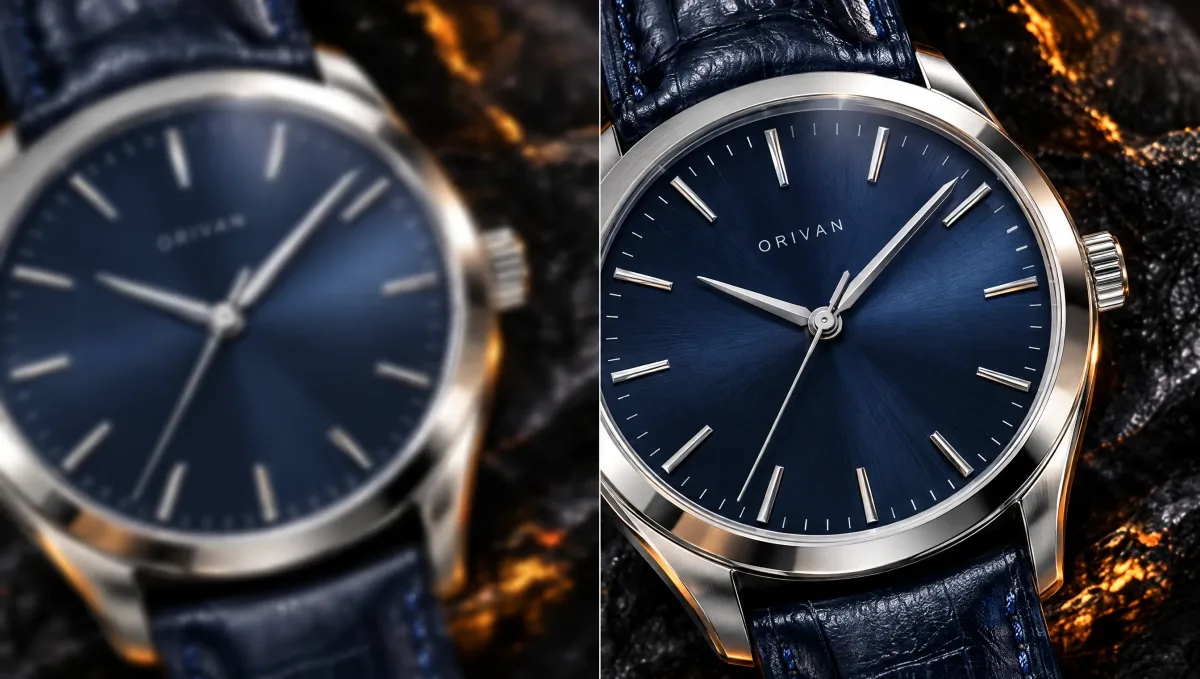
Upload an image to preview it here. Generated results are saved in Create.
Choose a Wan 3.0 tool to remove distractions, edit a background or enhance a photo. Start with the task your image needs.
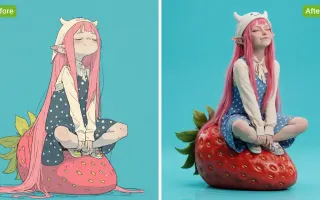
AI Image Upscaler creates a larger interpretation of a reference image at a supported size. Use image enlargement to prepare a layout, then inspect new texture and small details against the original.
Choose an available output size and assess the image at the scale where it will be used.

Review eyes, lettering and surface patterns against the original. Generated detail can differ from the source.
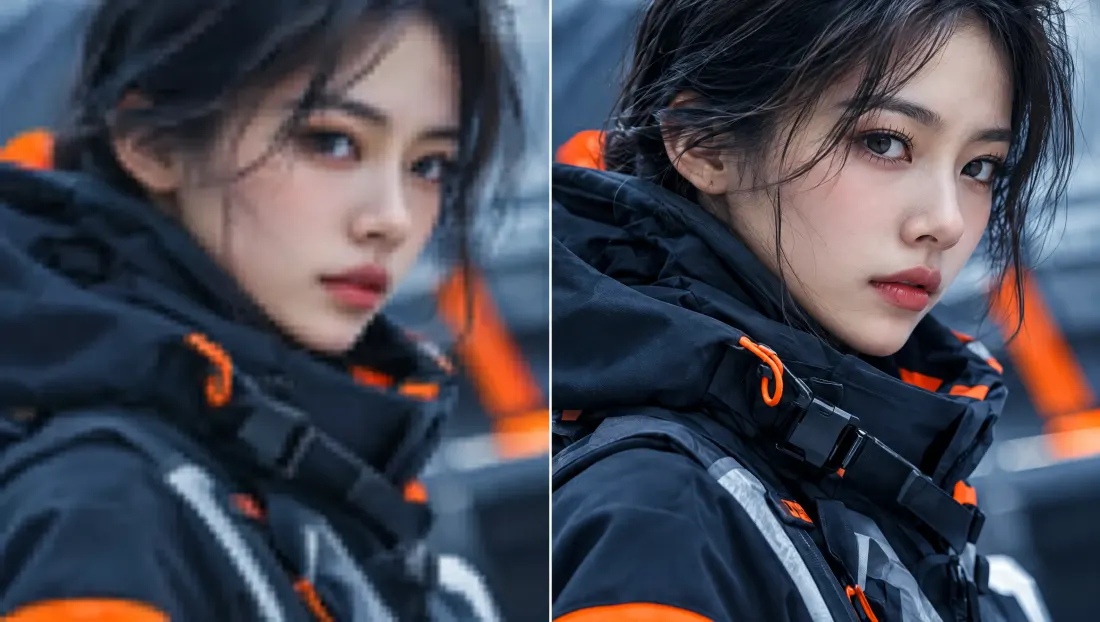
Judge the larger version inside the final design. More pixels alone do not establish accuracy.
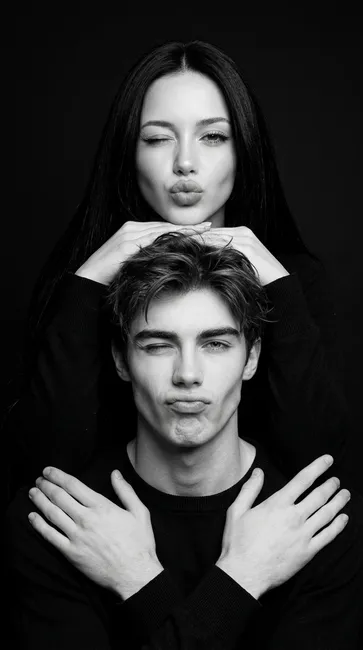
Put the chosen result into its intended layout or edit. Inspect it at the actual display size before publishing.
Define the requested change before choosing the output.
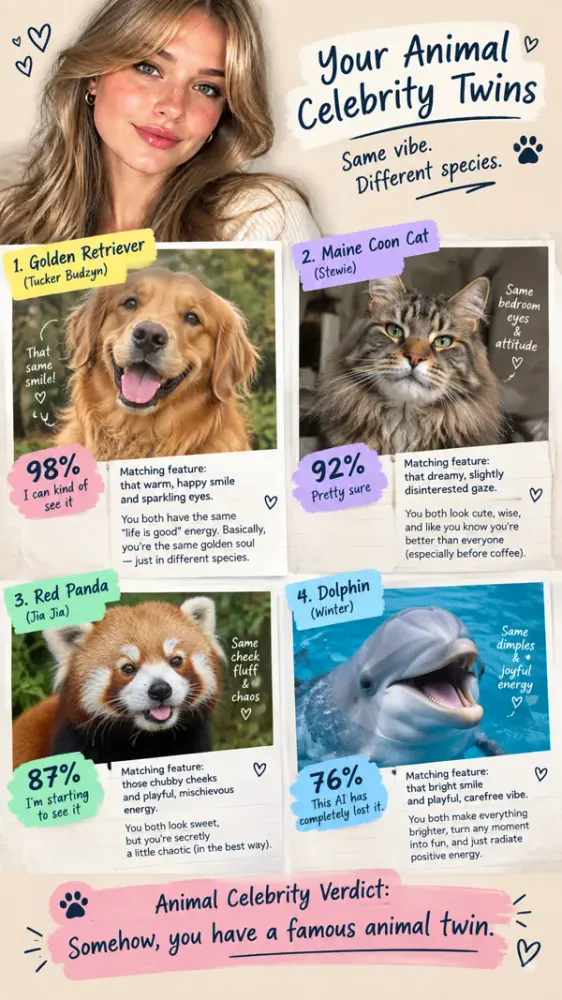
Upload the source photo and describe the specific adjustment. Mention the details you want the new image to retain.
Check the selected model’s supported image size and format. Confirm the credit estimate for this edit.
Review the generated task in Create. Inspect the edited region and the surrounding details before downloading.
Each direction below addresses a different visual decision.
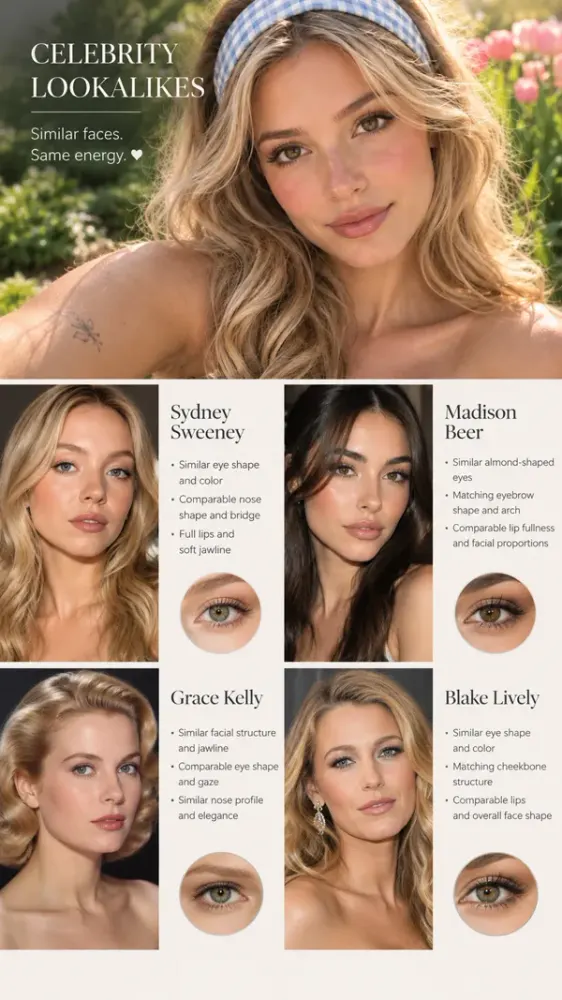
Choose an available output size and assess the image at the scale where it will be used.

Review eyes, lettering and surface patterns against the original. Generated detail can differ from the source.
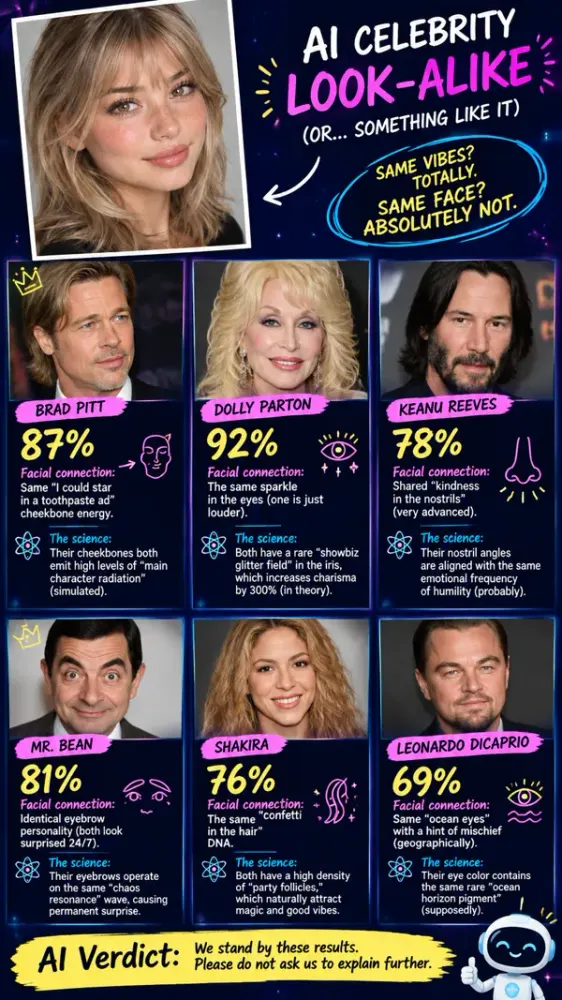
Judge the larger version inside the final design. More pixels alone do not establish accuracy.
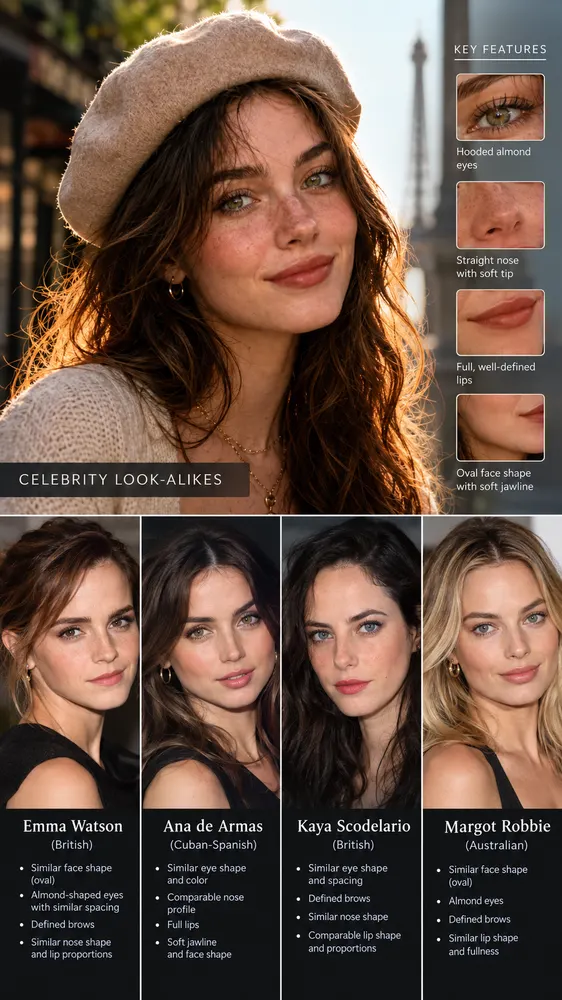
Put the chosen result into its intended layout or edit. Inspect it at the actual display size before publishing.
Check the input, expected output and cost before requesting a draft.
Need help? Contact support
The model generates a larger interpretation, so new texture may be invented. Compare it with the source, especially lettering, faces and repeated patterns.
Choose a size supported by the selected model and judge the image at its actual display size. A larger file still needs an accuracy check before export.
The composer shows the credit estimate for the selected model and settings. Check it again after changing the output format before submitting the request.
AI Image Upscaler creates a larger interpretation of a reference image at a supported size. Use image enlargement to prepare a layout, then inspect new texture and small details against the original.