



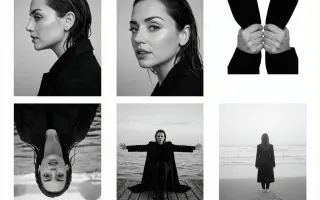

01
Move the atmosphere
Begin with wind, drifting fabric or changing light when the subject should stay visually dominant.
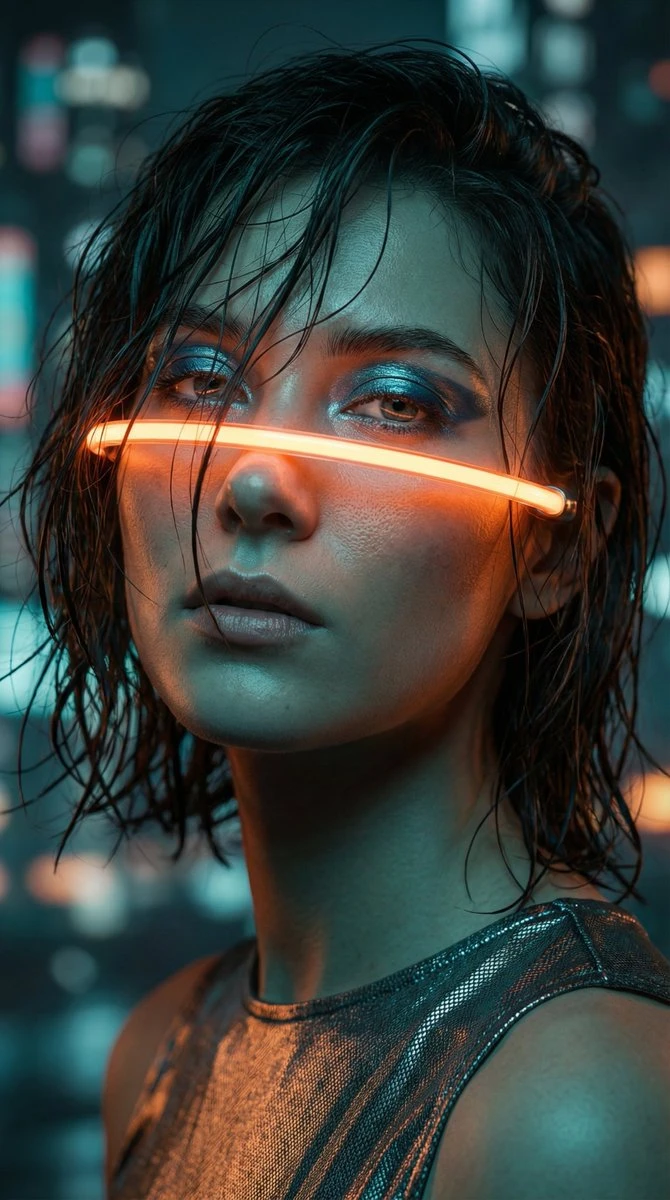
Image to video AI uses a still reference to guide a new clip. Animate a photo with a small gesture, moving fabric or a restrained camera move, then inspect how the source details change.
Choose a Wan 3.0 tool to remove distractions, edit a background or enhance a photo. Start with the task your image needs.
Image to video AI uses a still reference to guide a new clip. Animate a photo with a small gesture, moving fabric or a restrained camera move, then inspect how the source details change.
Begin with wind, drifting fabric or changing light when the subject should stay visually dominant.
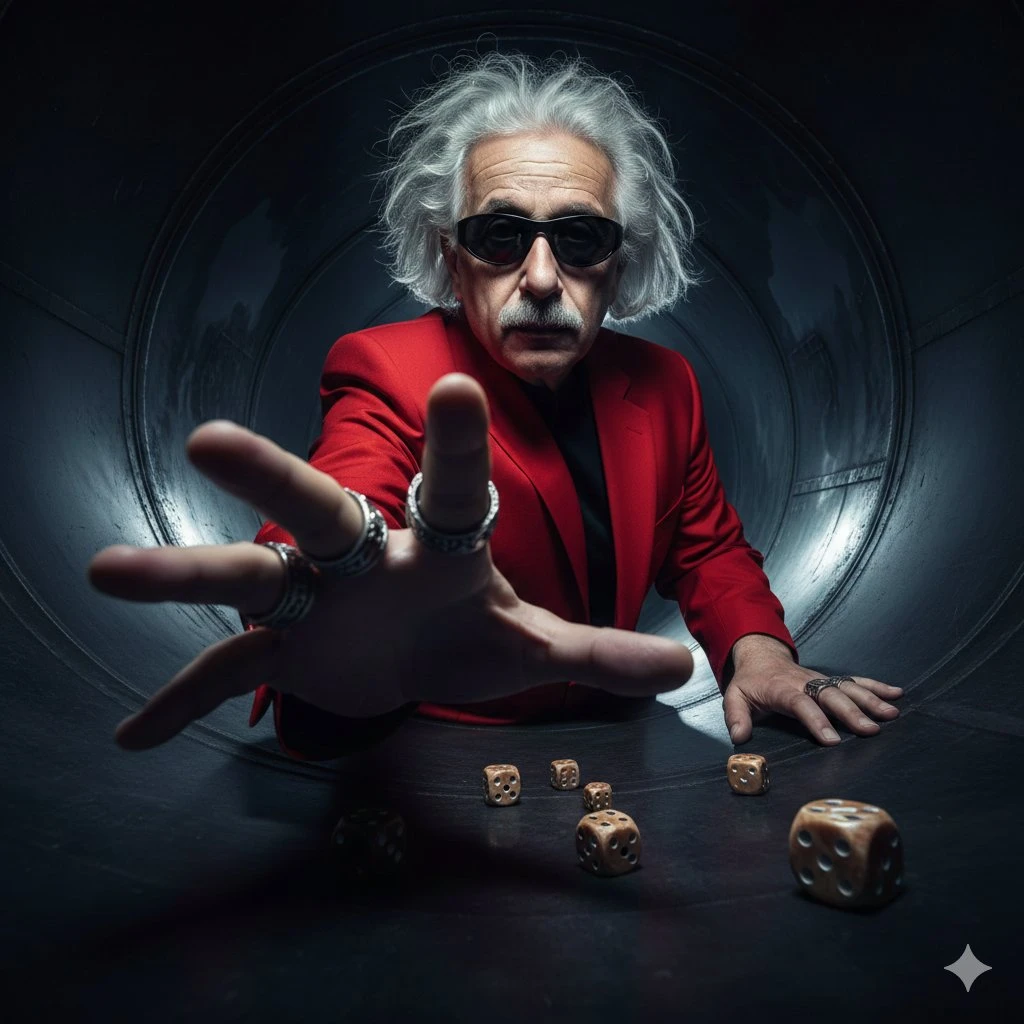
Request a restrained camera move and inspect edges revealed beyond the original photograph.
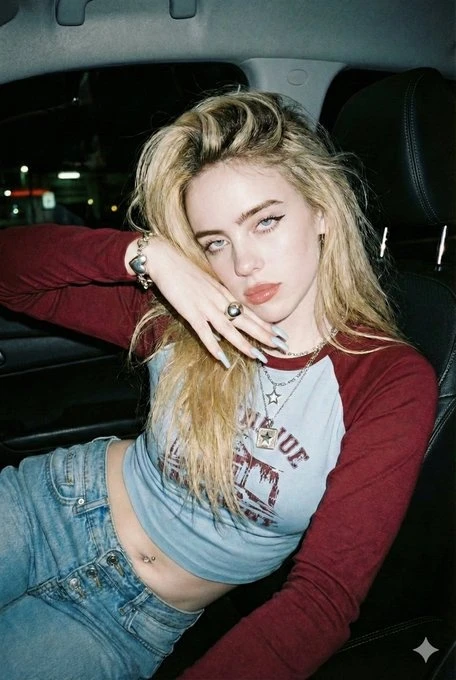
A blink or a head turn offers a focused first test. Review facial features throughout the clip.
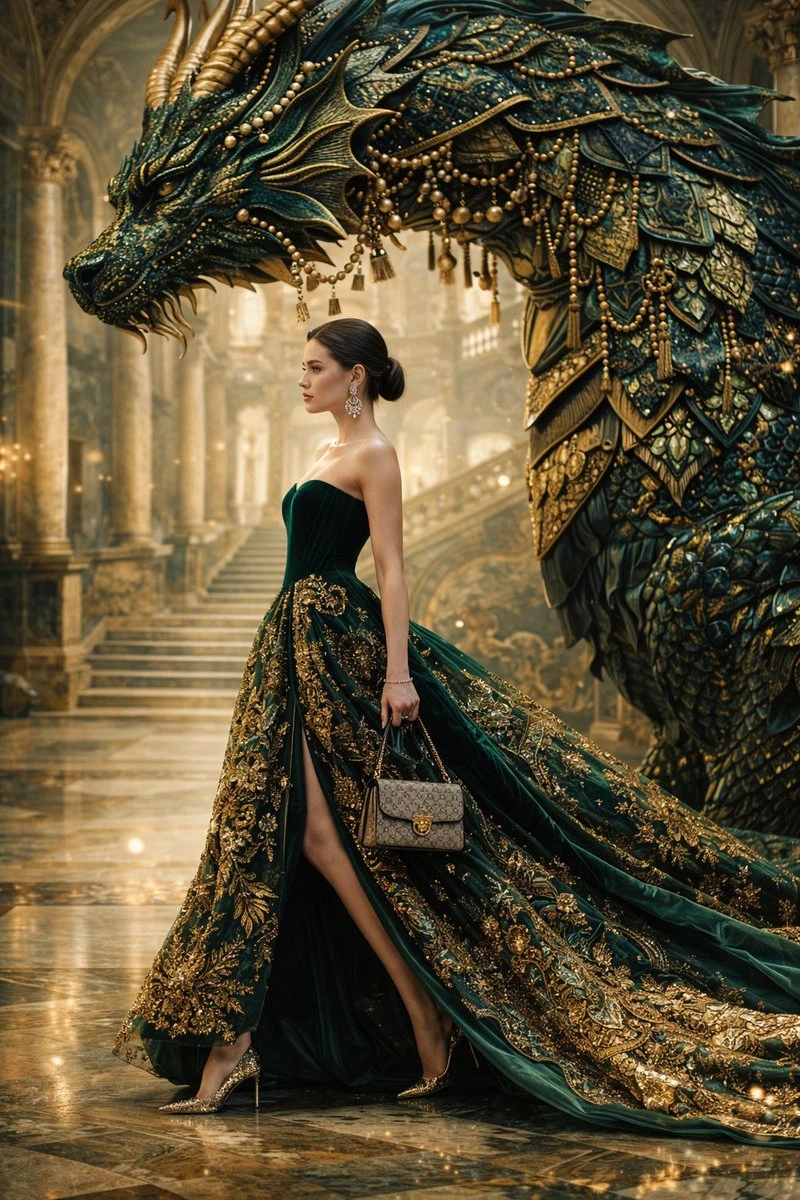
For move the atmosphere, decide which details would make the draft useful before generating. Return to those criteria when checking the subject, composition and continuity of the movement. Use that comparison to choose your next revision.
Prepare the input before choosing the output. The composer shows the settings and credit estimate for this particular draft.
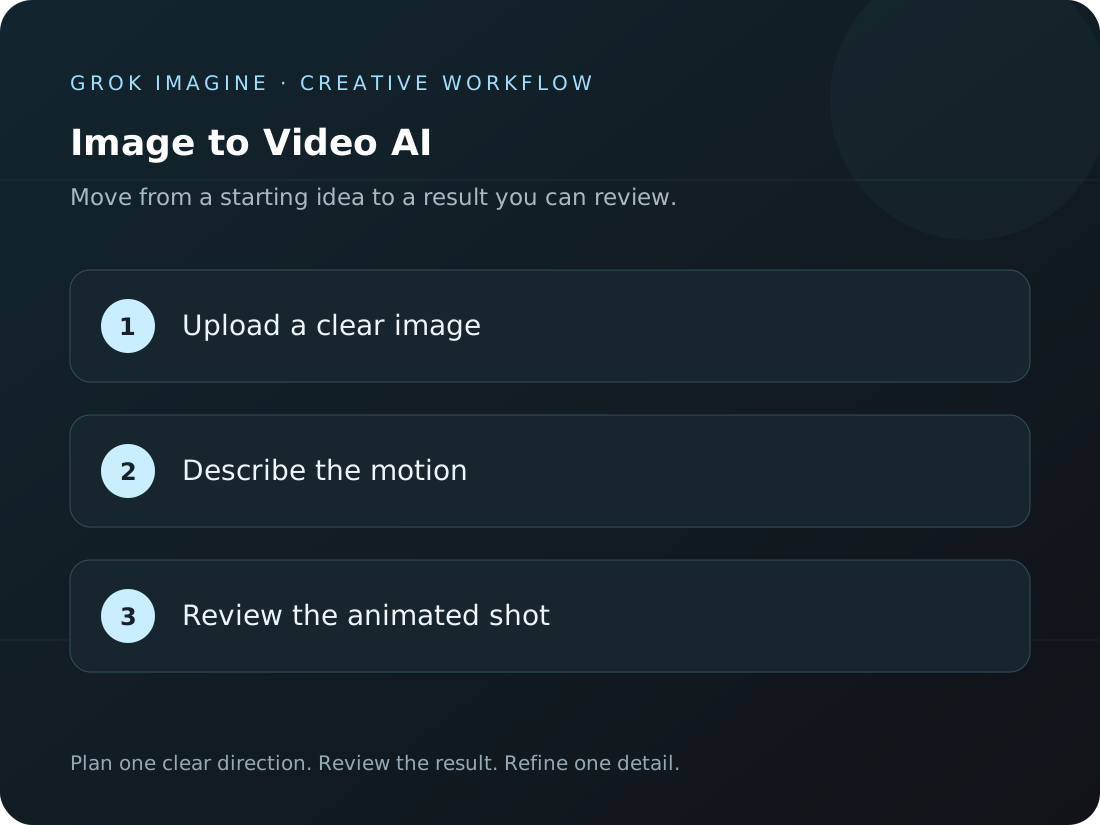
Upload a reference with a clear subject. Write what should move and how the camera should behave.
Select an available video model and format. Confirm duration and the credit estimate in the composer.
Watch the completed take in Create from start to finish. Look for changes in faces, product edges and the background.
Each direction below answers a different question. Pick the one closest to your current task, then add the details of your own project.
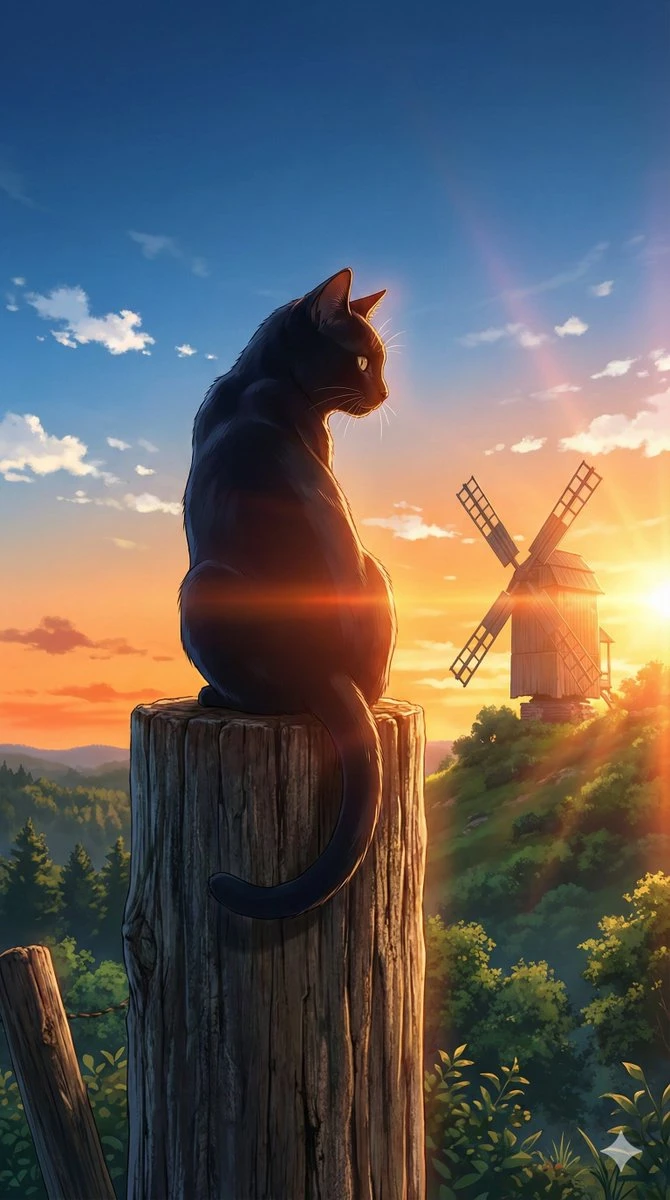
Begin with wind, drifting fabric or changing light when the subject should stay visually dominant.
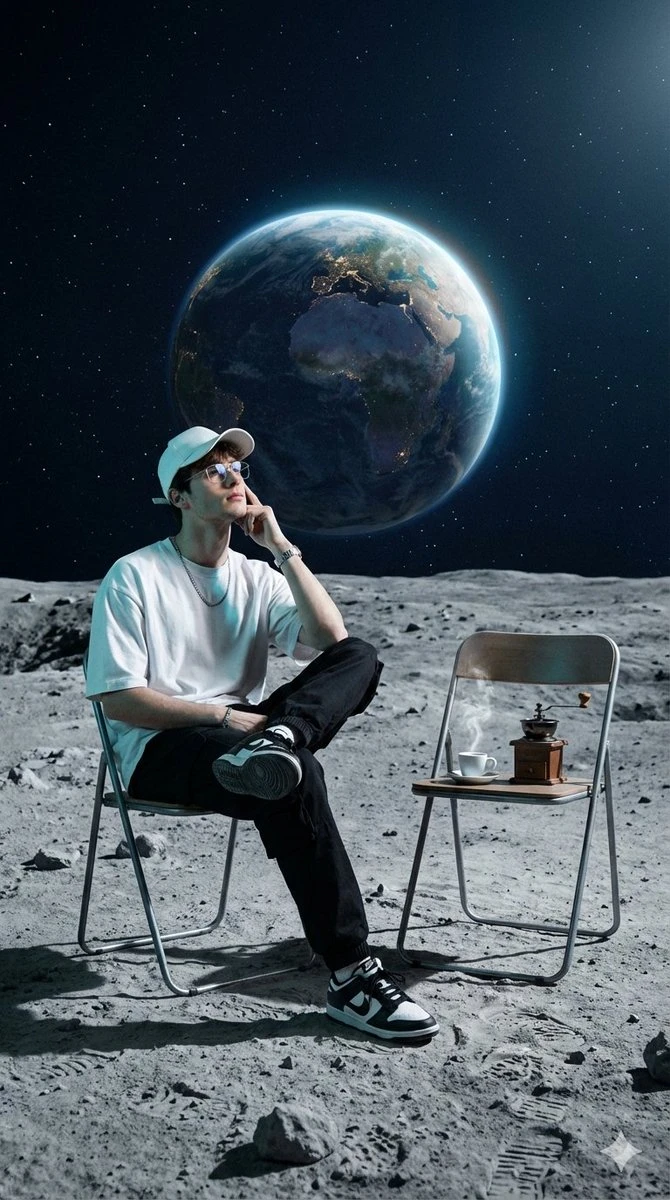
Request a restrained camera move and inspect edges revealed beyond the original photograph.
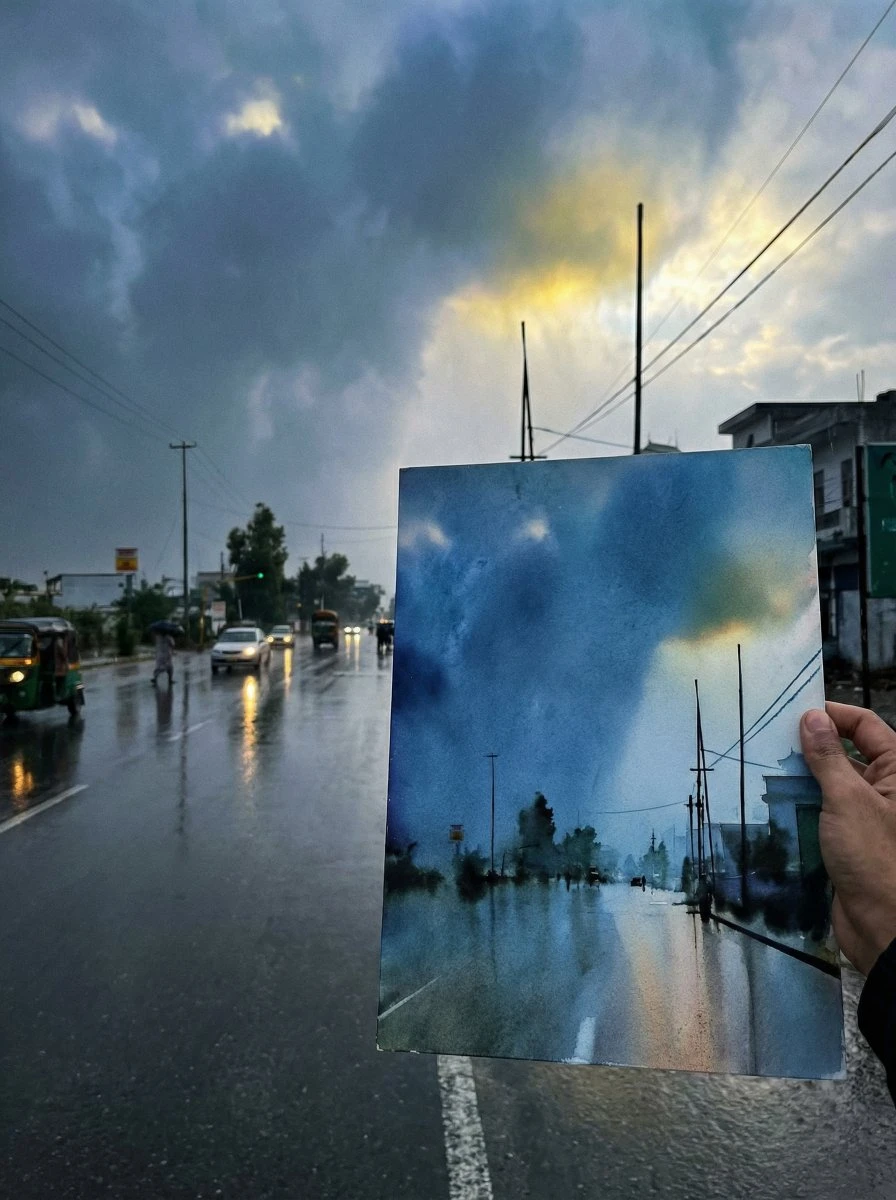
A blink or a head turn offers a focused first test. Review facial features throughout the clip.
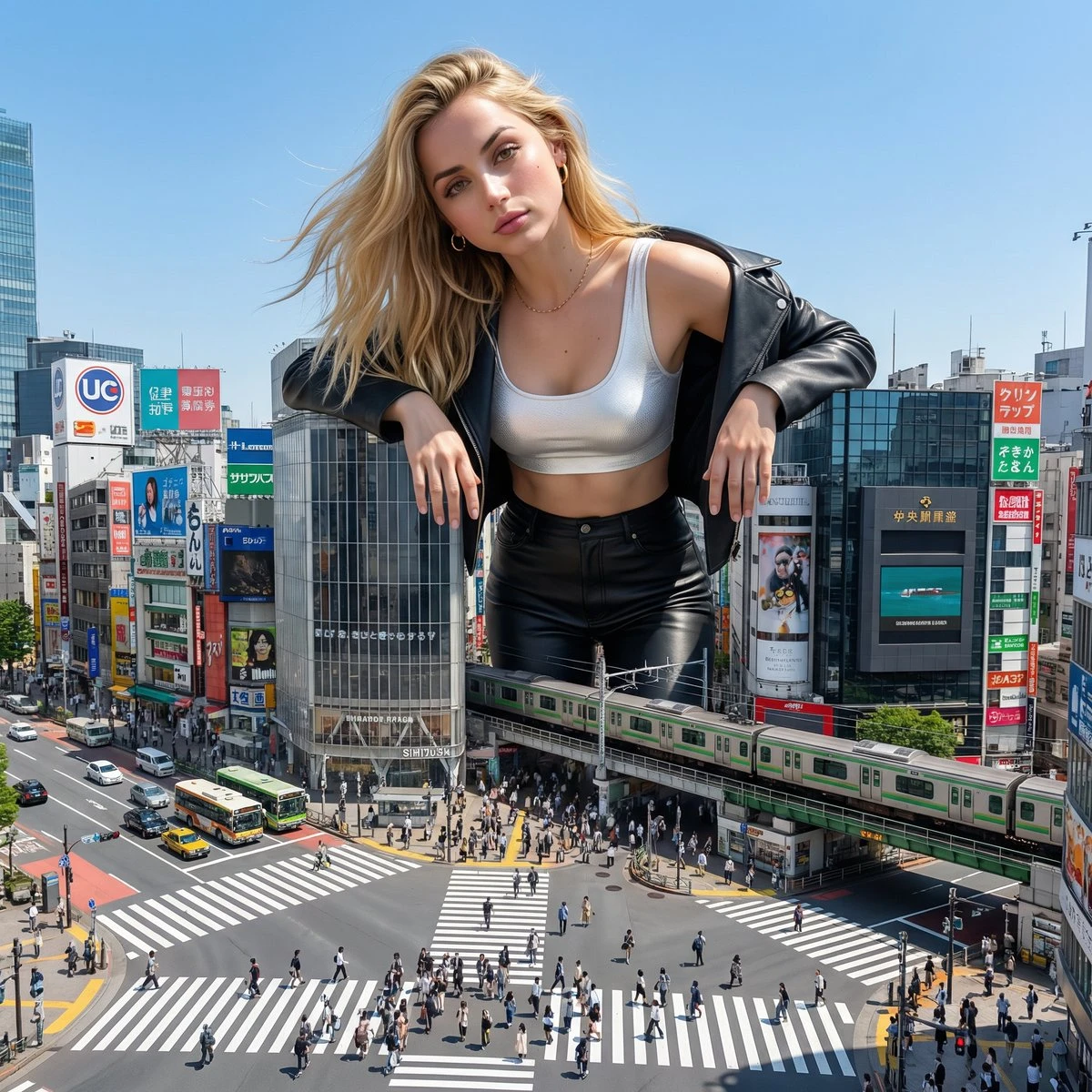
Place the selected result into the intended layout or edit. Check subject clarity, available space and any lettering or sound still needed. Compare product and identity details with the original references before handoff.
Check how Image to Video AI fits this task before committing the next draft.
Need help? Contact support
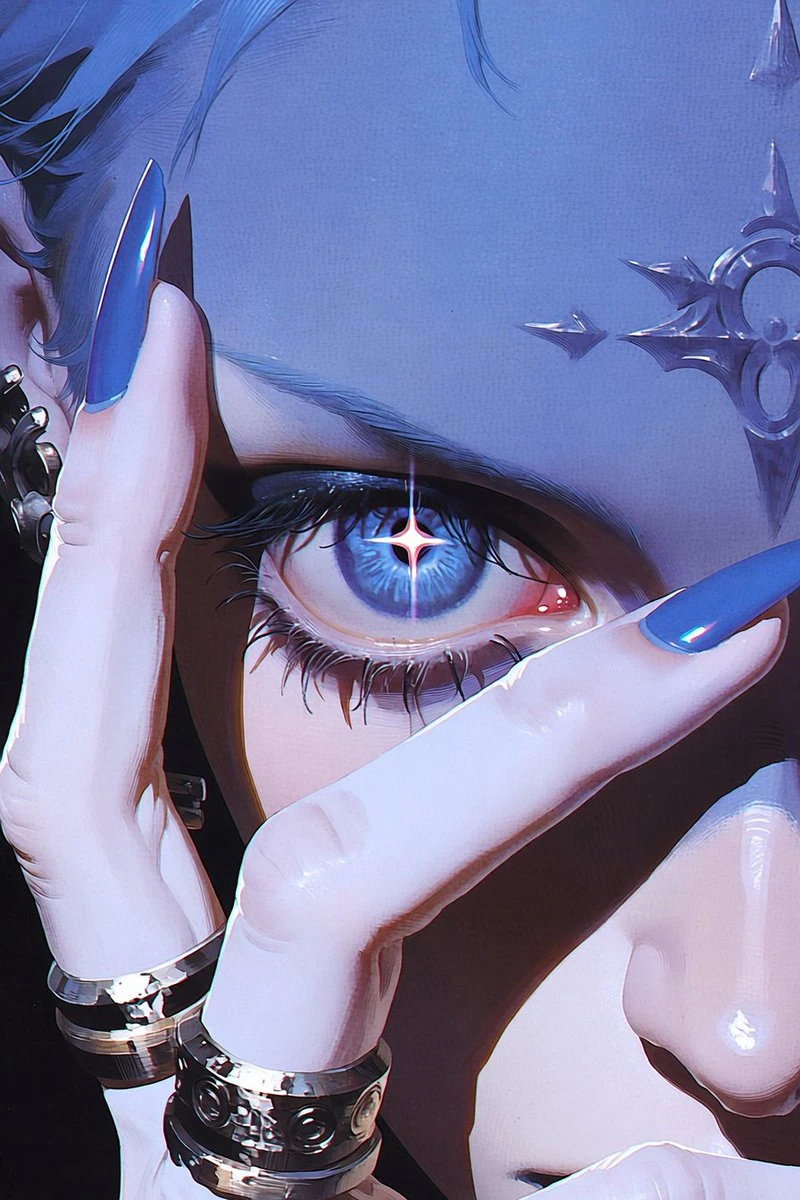
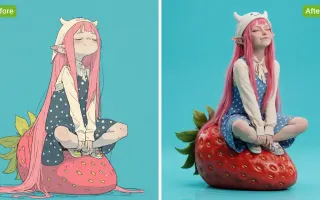
You can upload an illustration when it meets the selected model’s image input requirements. Describe one clear movement and inspect outlines and character details in the result.
The composer shows the options supported by your selected model and the estimate for this request. Recheck the cost after changing output settings, then follow the completed task in Create.
Follow the task in Create after submission. Open the completed result there and inspect it before downloading.
Start with a brief for move the atmosphere. Watch or inspect the result before deciding what to change next.