











01
Identify the main subject
Say which reference should establish the central person or object. Inspect its recognizable details in the result.
Reference to video AI uses supported visual material to guide a newly generated scene. Explain whether each source provides the subject, setting or movement so the references work toward the same shot.
This model accepts image references only. Choose Wan, MiniMax H3 or Seedance 2.5 to use a reference video.
Choose a Wan 3.0 tool to remove distractions, edit a background or enhance a photo. Start with the task your image needs.
Reference to video AI uses supported visual material to guide a newly generated scene. Explain whether each source provides the subject, setting or movement so the references work toward the same shot.
Say which reference should establish the central person or object. Inspect its recognizable details in the result.
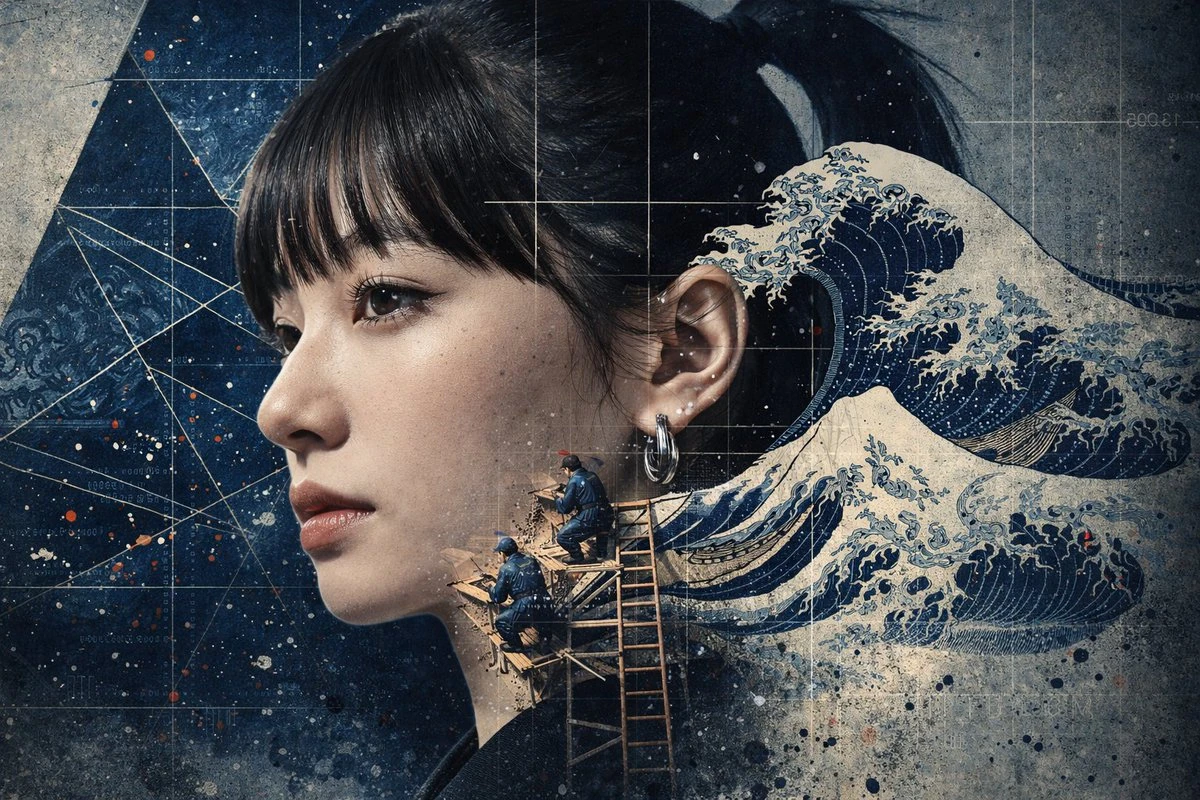
Describe the location you need and the movement you want independently. Avoid mixing competing visual instructions.
Where the chosen model accepts video, explain the part of the movement you want to carry into the new scene.

For identify the main subject, decide which details would make the draft useful before generating. Return to those criteria when checking the subject, composition and continuity of the movement. Use that comparison to choose your next revision.
Prepare the input before choosing the output. The composer shows the settings and credit estimate for this particular draft.
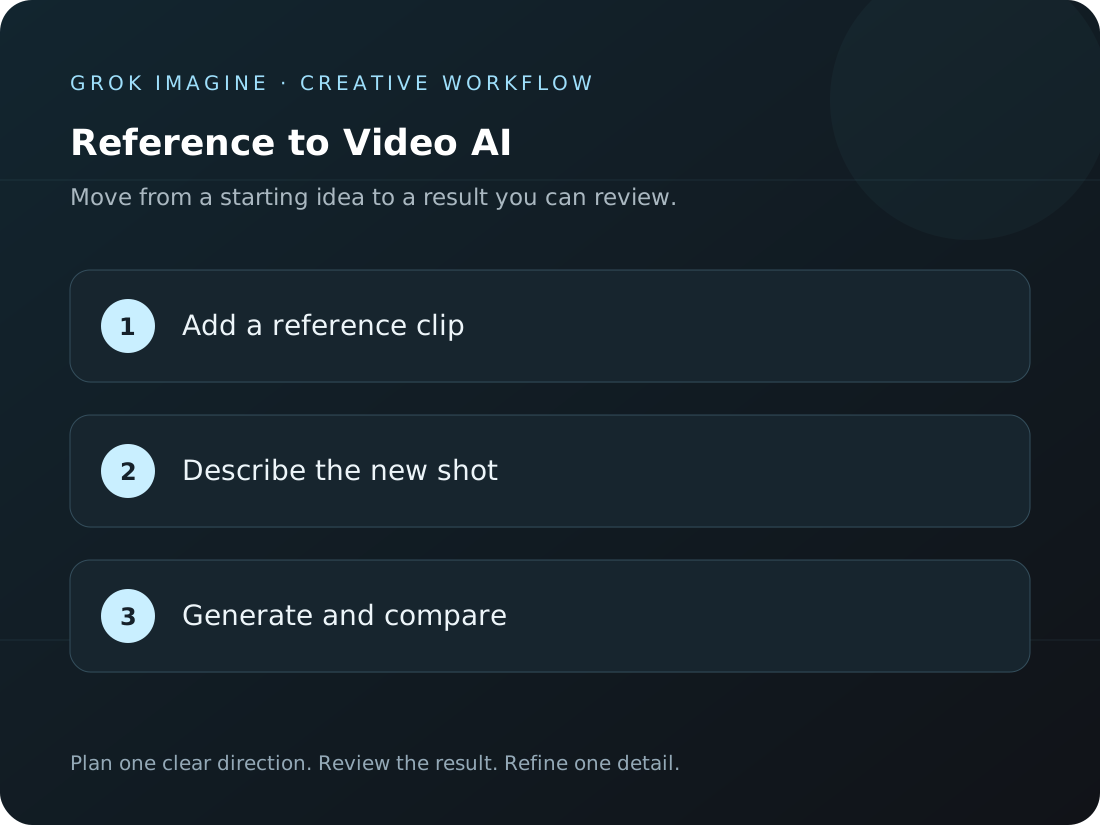
Upload supported material and say which parts should guide the new take. Keep the requested transformation specific.
Pick a model that accepts your input. Review its available format and credit estimate before requesting a clip.
Open the finished task in Create. Watch the whole sequence alongside your original before saving it for an edit.
Each direction below answers a different question. Pick the one closest to your current task, then add the details of your own project.
Say which reference should establish the central person or object. Inspect its recognizable details in the result.
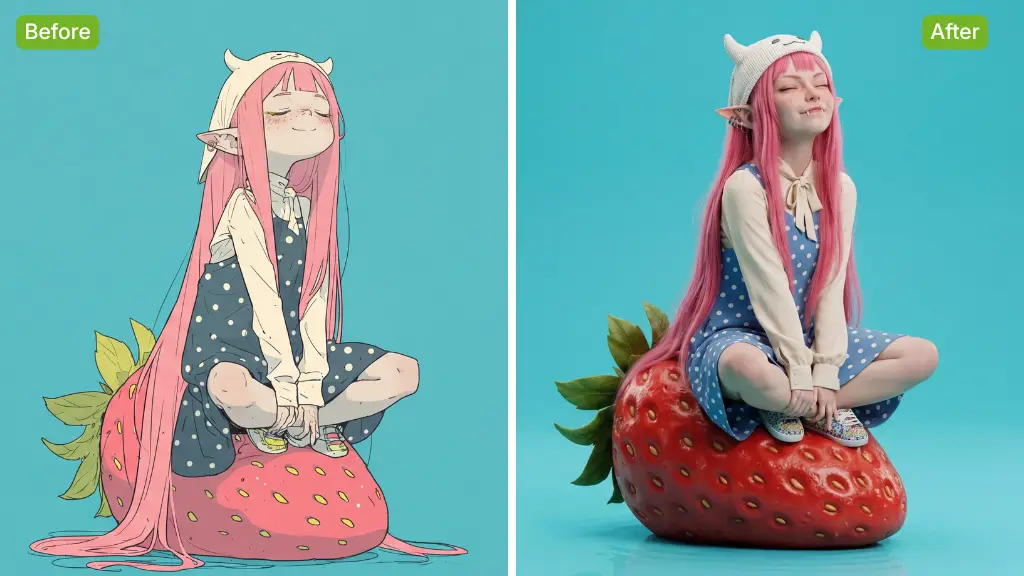
Describe the location you need and the movement you want independently. Avoid mixing competing visual instructions.
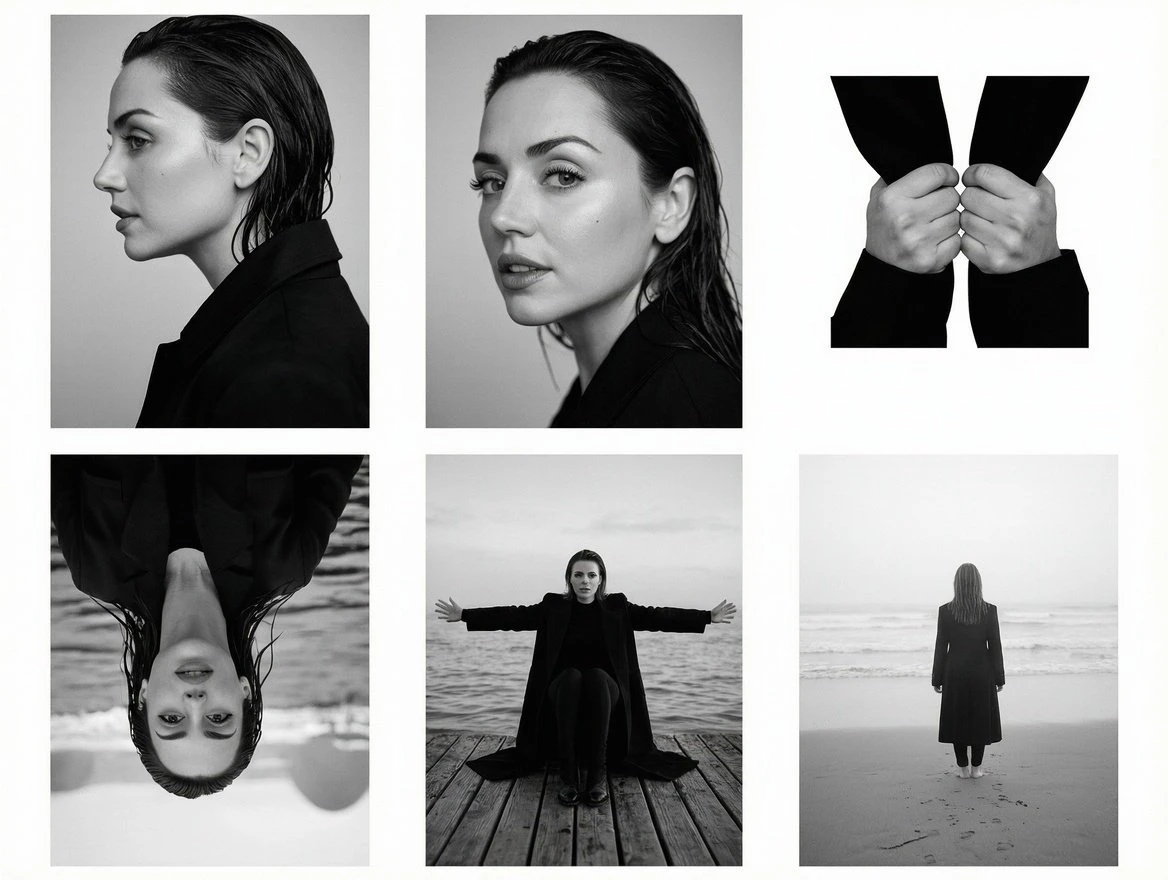
Where the chosen model accepts video, explain the part of the movement you want to carry into the new scene.
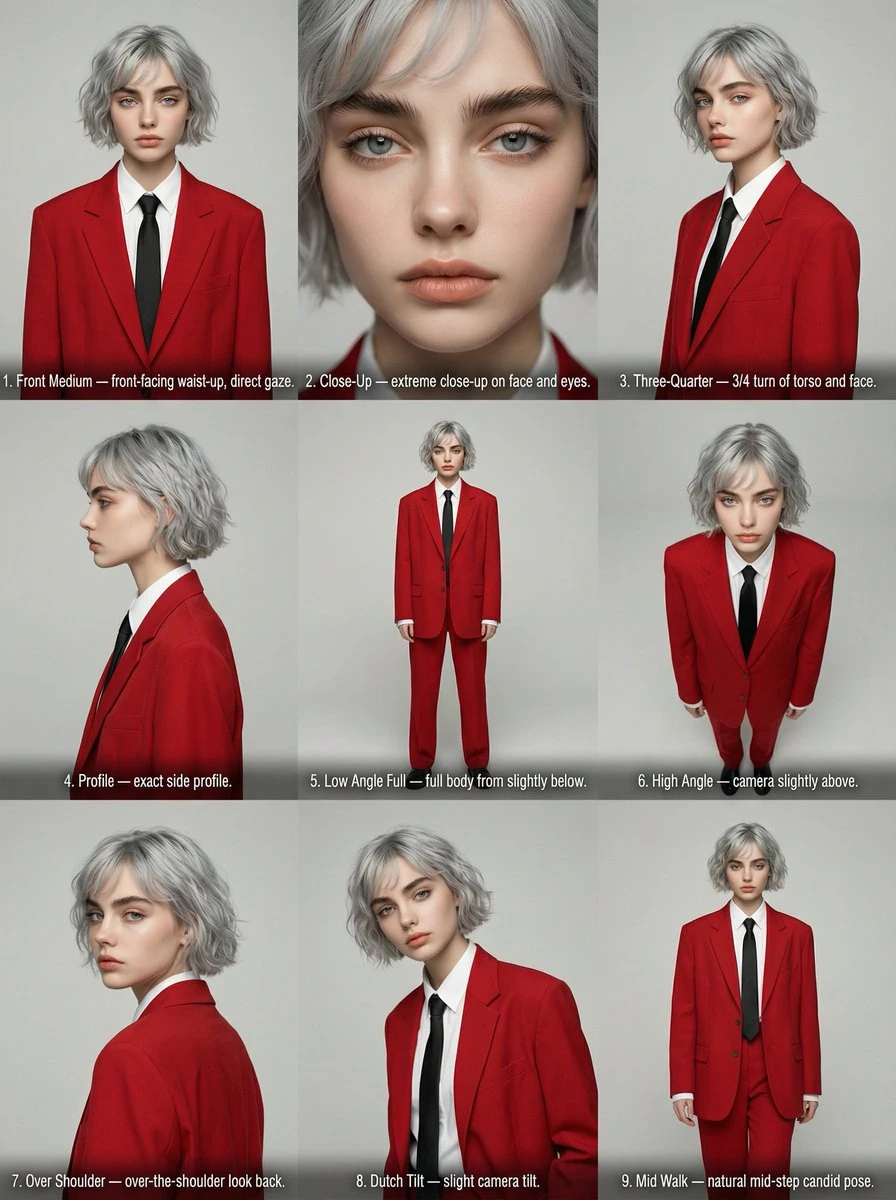
Place the selected result into the intended layout or edit. Check subject clarity, available space and any lettering or sound still needed. Compare product and identity details with the original references before handoff.
Check how Reference to Video AI fits this task before committing the next draft.
Need help? Contact support
State what each file contributes and which input takes priority. Remove references that compete for the same role before requesting another take.
The composer shows the options supported by your selected model and the estimate for this request. Recheck the cost after changing output settings, then follow the completed task in Create.
Follow the task in Create after submission. Open the completed result there and inspect it before downloading.
Start with a brief for identify the main subject. Watch or inspect the result before deciding what to change next.