








01
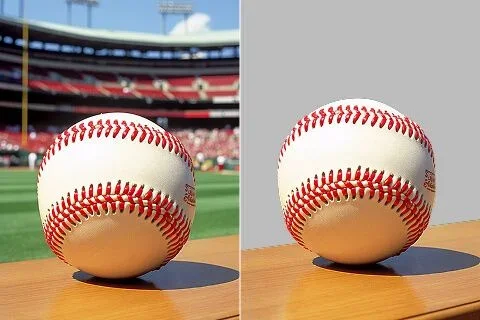
A neutral product setting
Describe a simple surface and backdrop, then inspect edges, shadows and product details.
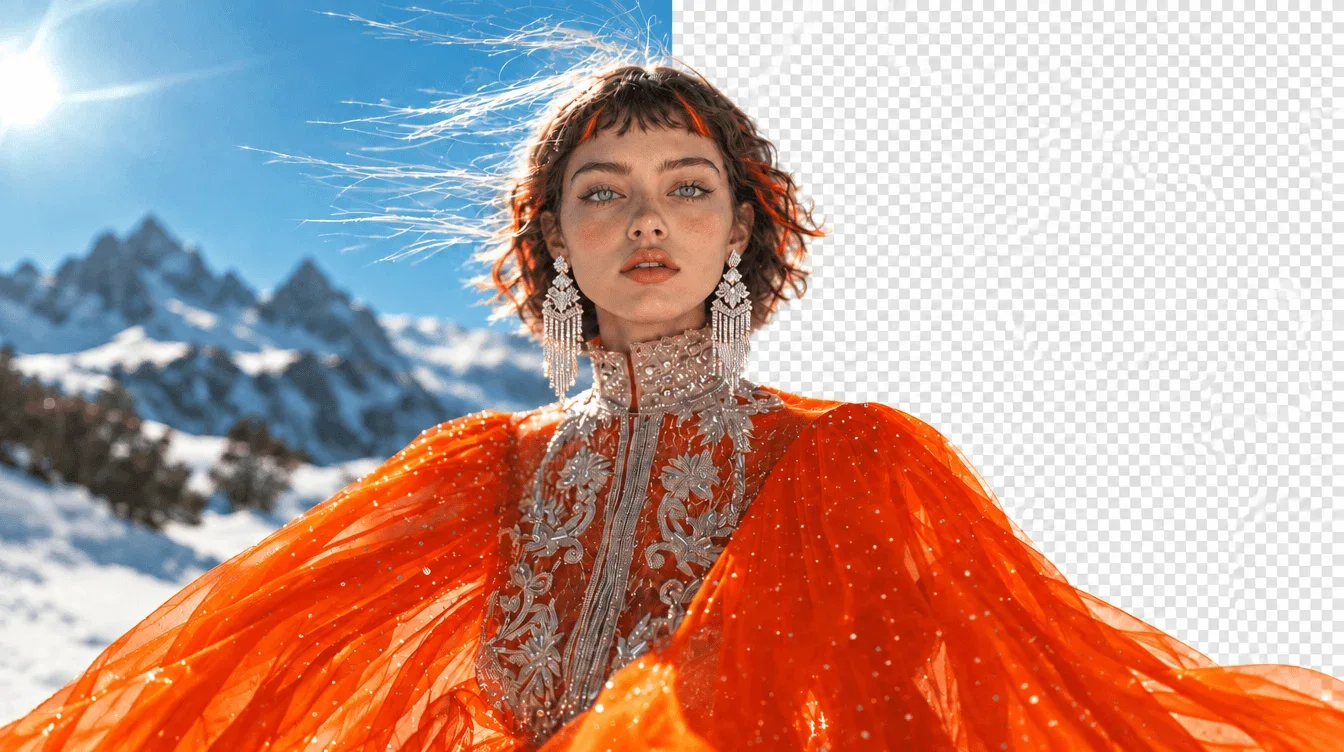
Upload an image to preview it here. Generated results are saved in Create.
Choose a Wan 3.0 tool to remove distractions, edit a background or enhance a photo. Start with the task your image needs.
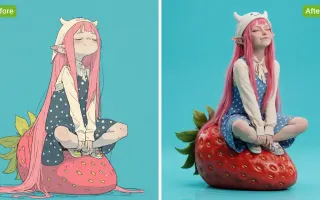
AI Background Remover offers prompt-guided background editing for a reference photo. Describe a neutral product setting or a new portrait backdrop; this generative workflow does not guarantee a transparent cutout.
Describe a simple surface and backdrop, then inspect edges, shadows and product details.
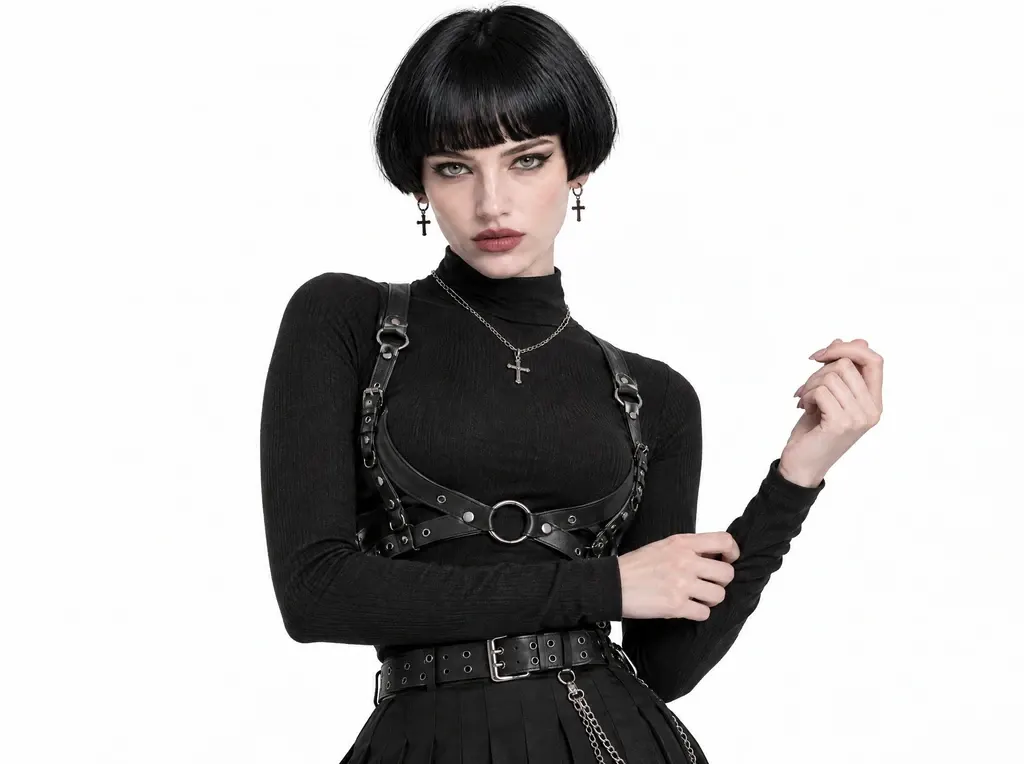
Choose a quiet background that supports the portrait. Check hair and clothing at the boundary.

Brief a setting as a visual interpretation. Compare the subject appearance against the original image.

Put the chosen result into its intended layout or edit. Inspect it at the actual display size before publishing.
Define the requested change before choosing the output.

Upload the source photo and describe the specific adjustment. Mention the details you want the new image to retain.
Check the selected model’s supported image size and format. Confirm the credit estimate for this edit.
Review the generated task in Create. Inspect the edited region and the surrounding details before downloading.
Each direction below addresses a different visual decision.
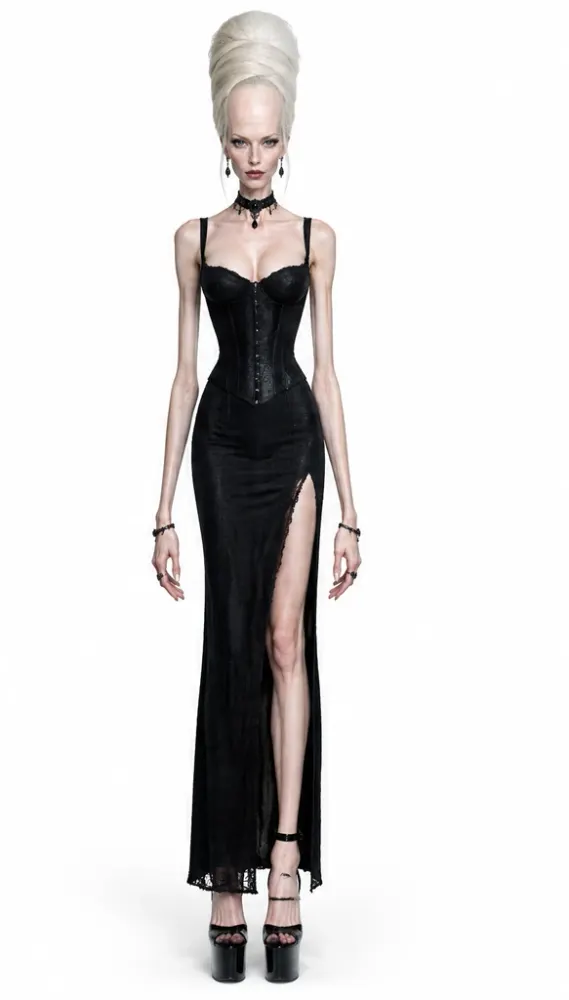
Describe a simple surface and backdrop, then inspect edges, shadows and product details.
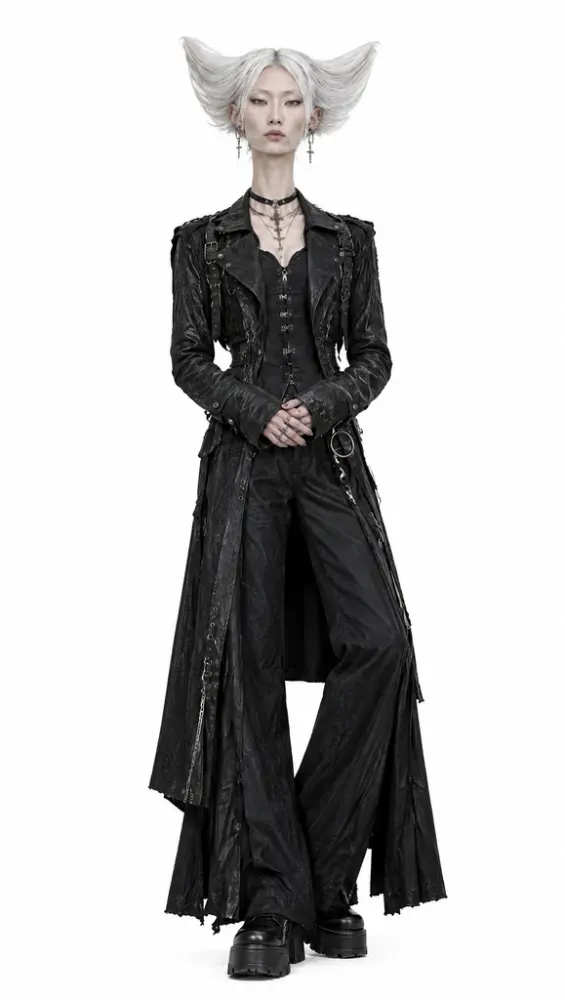
Choose a quiet background that supports the portrait. Check hair and clothing at the boundary.
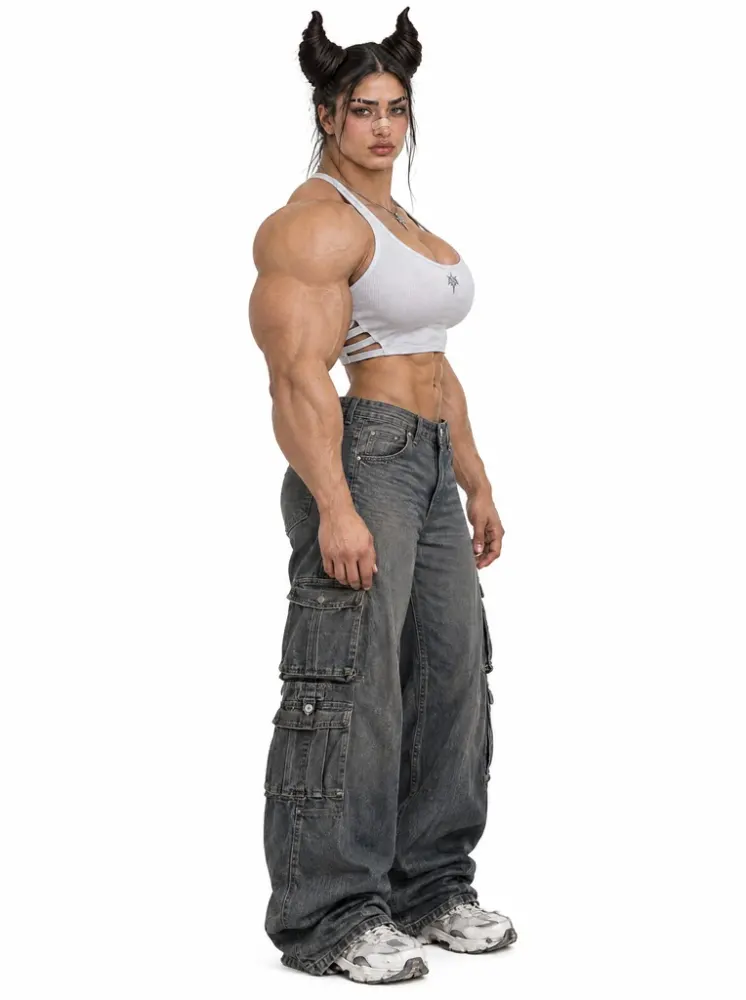
Brief a setting as a visual interpretation. Compare the subject appearance against the original image.
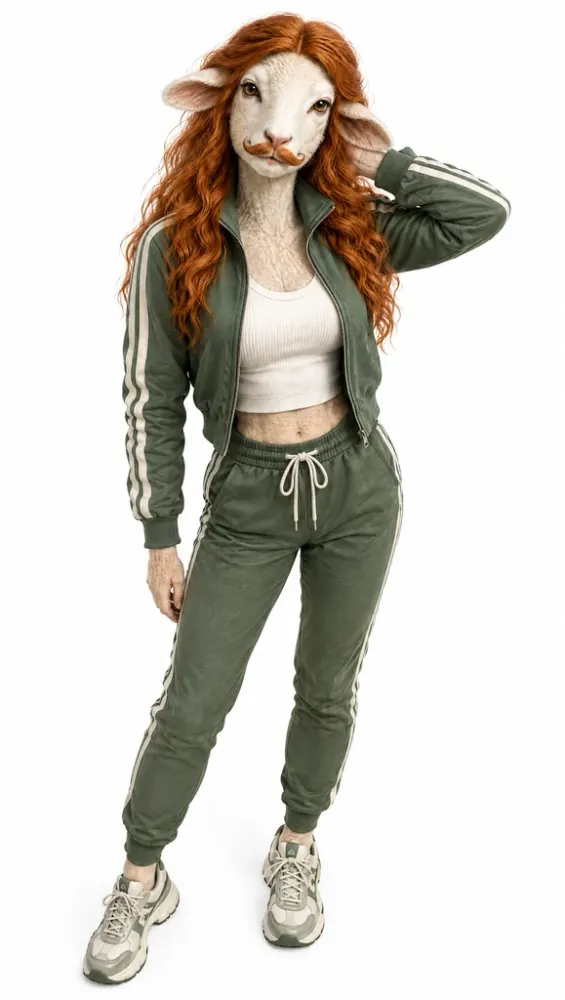
Put the chosen result into its intended layout or edit. Inspect it at the actual display size before publishing.
Check the input, expected output and cost before requesting a draft.
Need help? Contact support
This tool generates a background treatment from your image and written request. It does not guarantee a precise alpha cutout; inspect the generated backdrop and subject boundary.
Name the surface, backdrop and light source. Check that the edited product outline, shadow, label and proportions remain suitable for the intended use.
The composer shows the credit estimate for the selected model and settings. Check it again after changing the output format before submitting the request.
AI Background Remover offers prompt-guided background editing for a reference photo. Describe a neutral product setting or a new portrait backdrop; this generative workflow does not guarantee a transparent cutout.