





01
Give the subject a verb
Choose an action someone could point to on screen. Use the rest of the prompt to support that action.
Text to video AI creates a clip from a written instruction. Describe an event the camera can see, where the subject appears and how the action should end; a source image is not required for the text workflow.
Choose a Wan 3.0 tool to remove distractions, edit a background or enhance a photo. Start with the task your image needs.
Text to video AI creates a clip from a written instruction. Describe an event the camera can see, where the subject appears and how the action should end; a source image is not required for the text workflow.
Choose an action someone could point to on screen. Use the rest of the prompt to support that action.
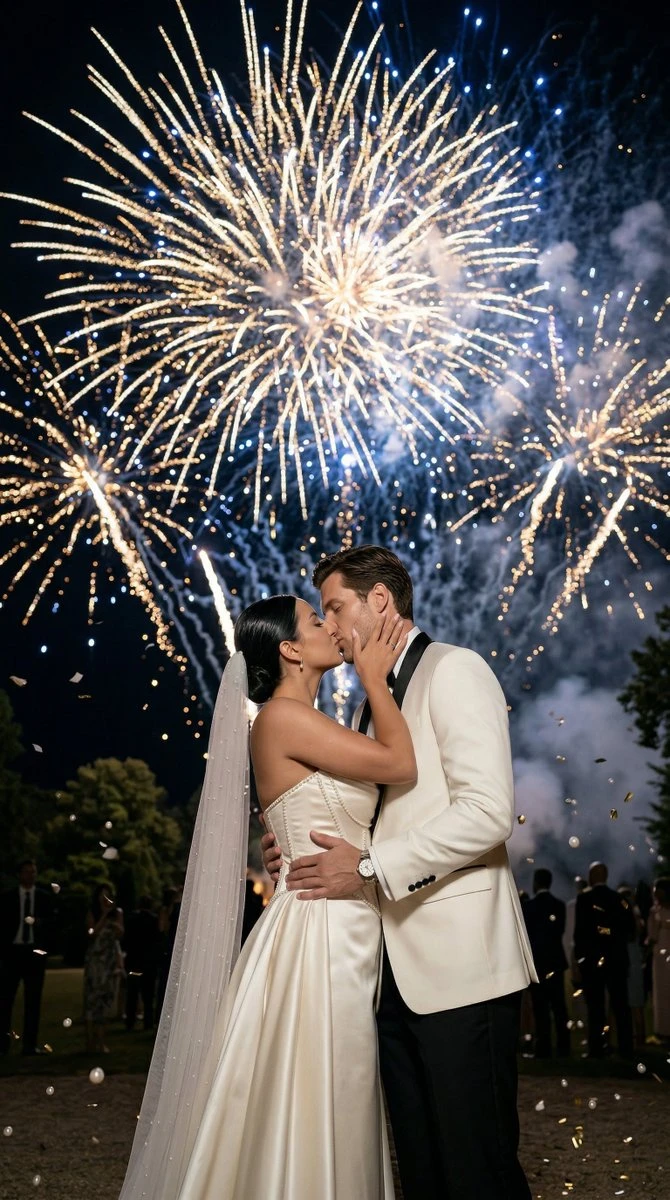
Describe what the camera sees from one position before adding a move. This makes the intended composition easier to judge.
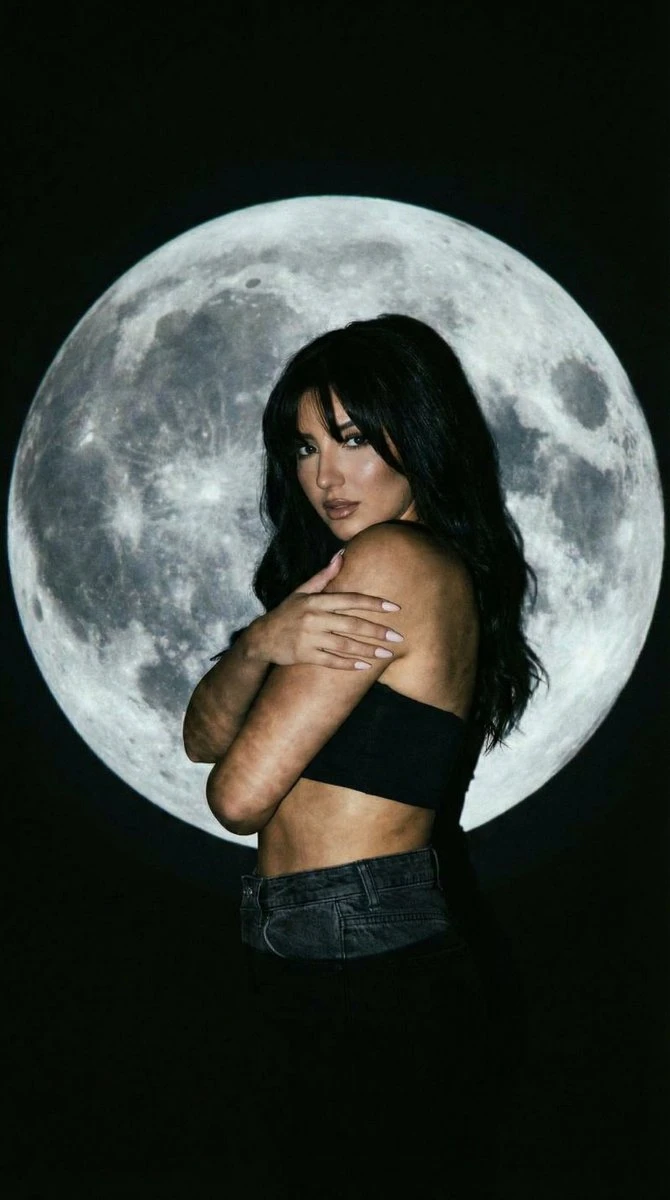
An ending pose gives the scene a destination. Keep additional events for another take.
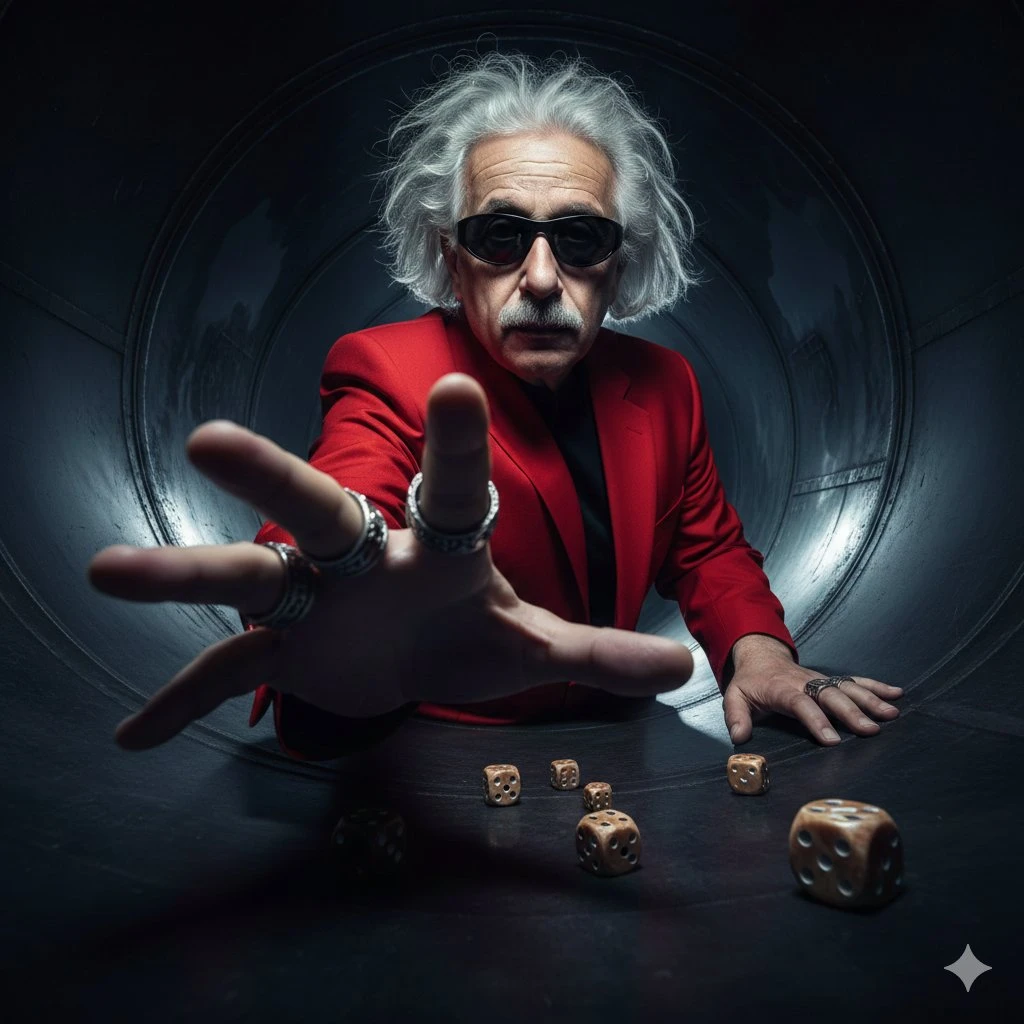
For give the subject a verb, decide which details would make the draft useful before generating. Return to those criteria when checking the subject, composition and continuity of the movement. Use that comparison to choose your next revision.
Prepare the input before choosing the output. The composer shows the settings and credit estimate for this particular draft.
Write the subject, its action and the camera position. Keep the first brief short enough to assess as one shot.
Use the selected model’s available duration, resolution and aspect ratio. Read the displayed credit estimate before submitting.
Open the completed task in Create. Compare the action with the brief and download the take you want to keep.
Each direction below answers a different question. Pick the one closest to your current task, then add the details of your own project.
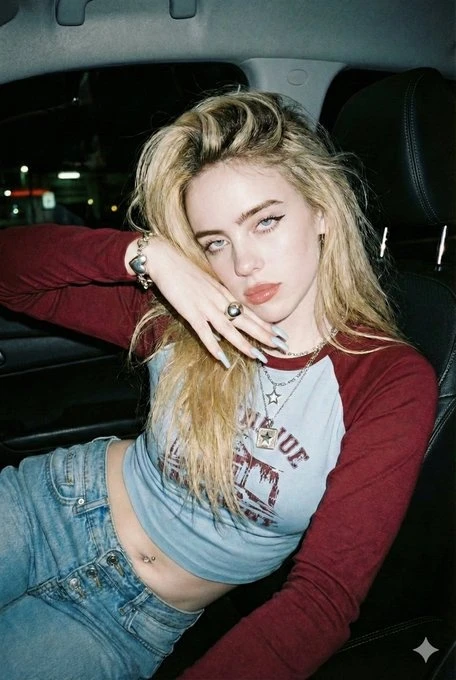
Choose an action someone could point to on screen. Use the rest of the prompt to support that action.
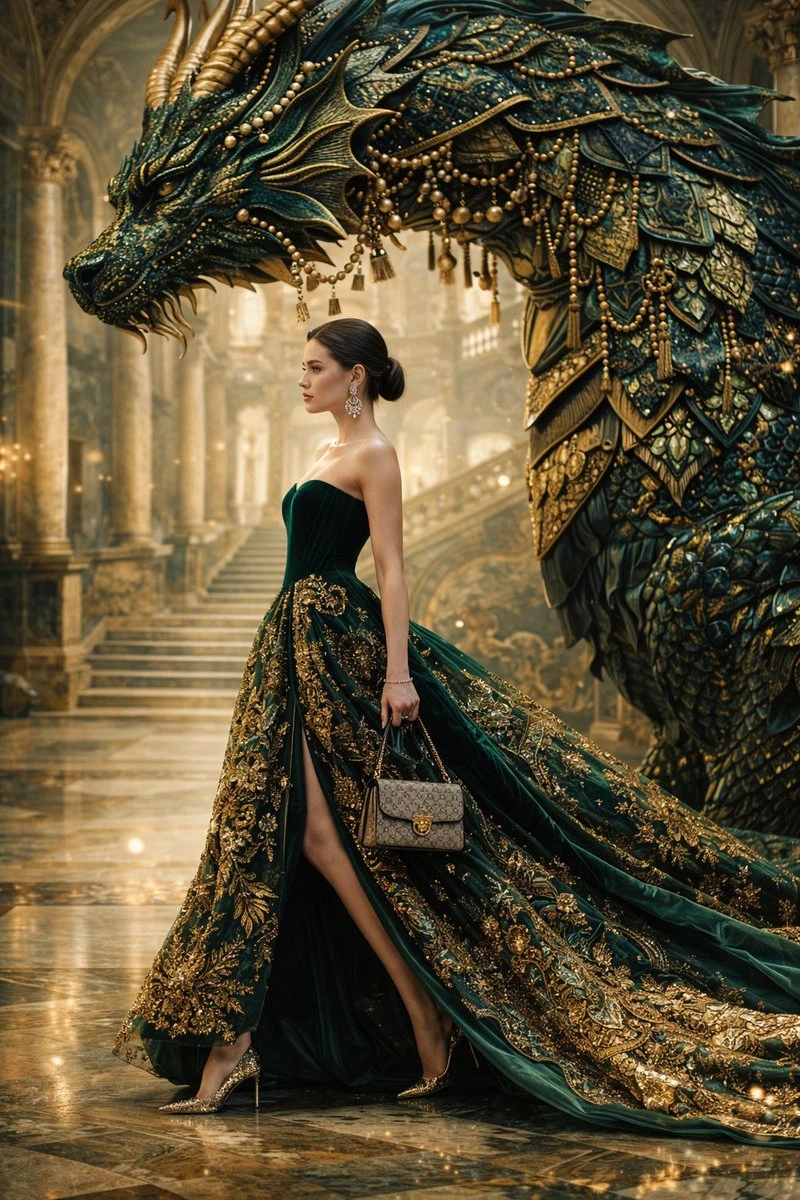
Describe what the camera sees from one position before adding a move. This makes the intended composition easier to judge.
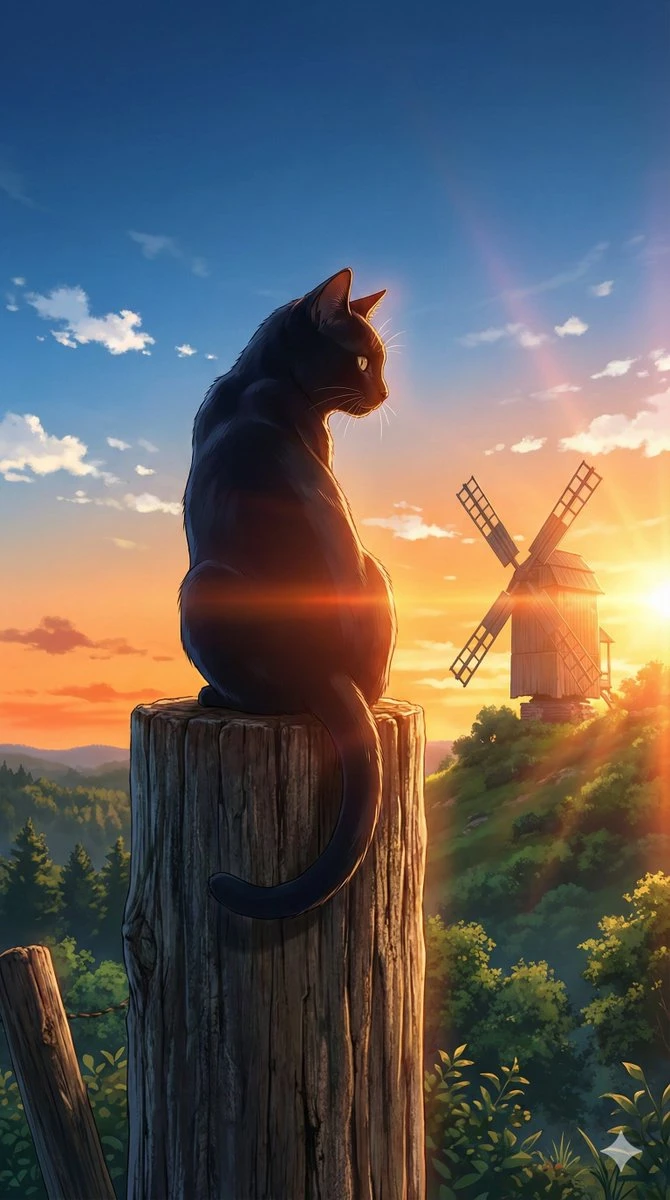
An ending pose gives the scene a destination. Keep additional events for another take.
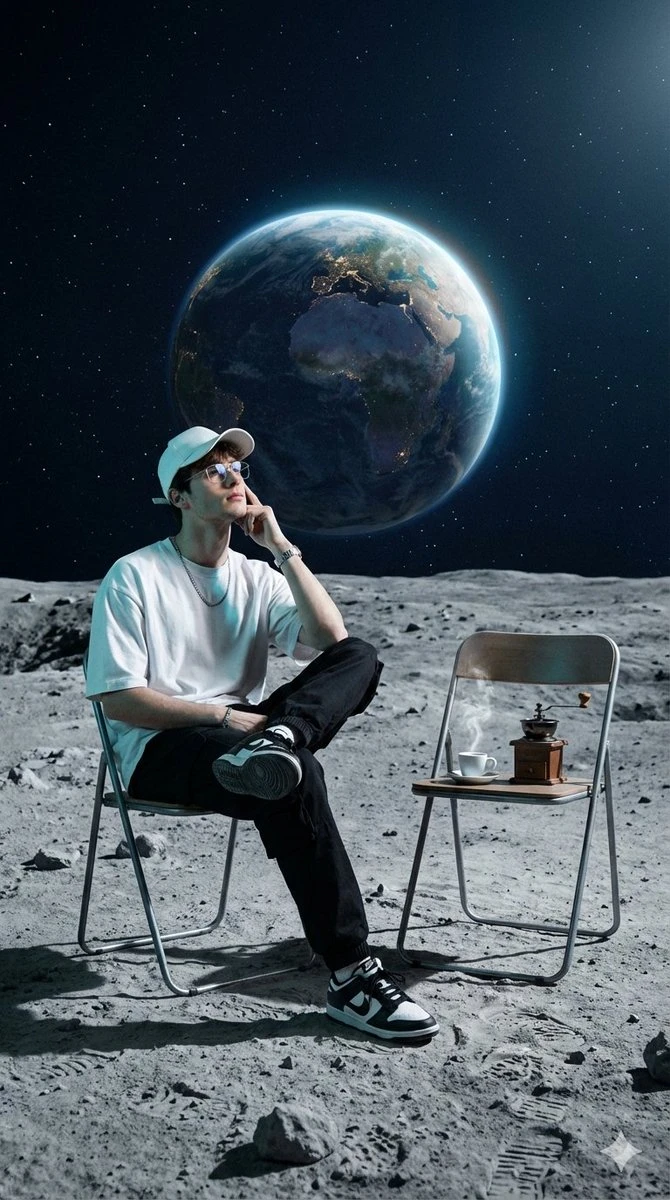
Place the selected result into the intended layout or edit. Check subject clarity, available space and any lettering or sound still needed. Compare product and identity details with the original references before handoff.
Check how Text to Video AI fits this task before committing the next draft.
Need help? Contact support
The text-to-video workflow starts with your written description. Use image-to-video instead when a particular photograph should establish the scene.
The composer shows the options supported by your selected model and the estimate for this request. Recheck the cost after changing output settings, then follow the completed task in Create.
Follow the task in Create after submission. Open the completed result there and inspect it before downloading.
Start with a brief for give the subject a verb. Watch or inspect the result before deciding what to change next.