







01
A cover with breathing room
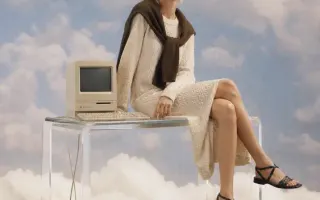
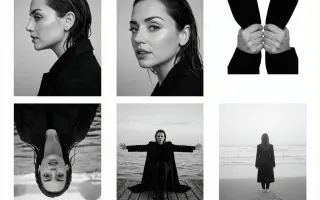
Build the image around the eventual headline placement. Add final typography after generation.
Wan 3.0 Image brings text-to-image creation and reference-photo editing into one workspace. Choose the workflow that fits your input, then compare the composition and detail in each result.
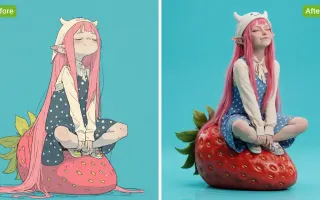
Choose a Wan 3.0 tool to remove distractions, edit a background or enhance a photo. Start with the task your image needs.
Wan 3.0 Image brings text-to-image creation and reference-photo editing into one workspace. Choose the workflow that fits your input, then compare the composition and detail in each result.
Build the image around the eventual headline placement. Add final typography after generation.
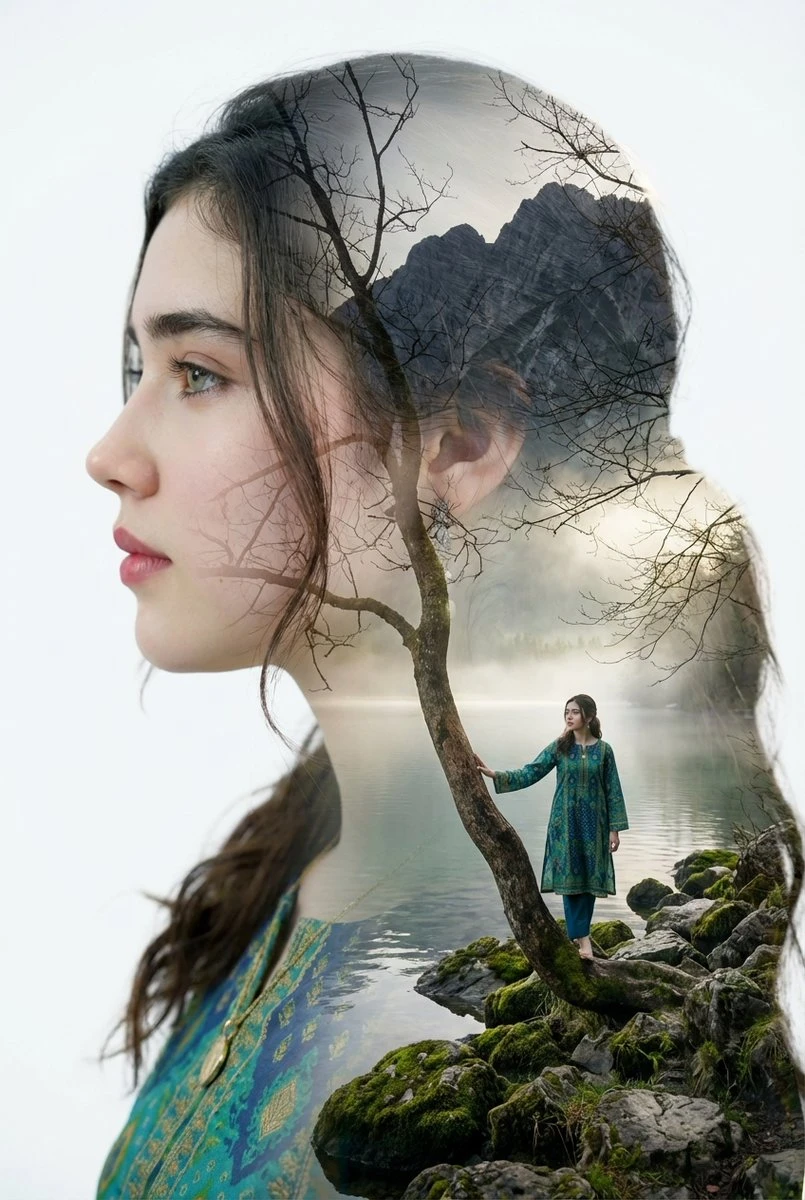
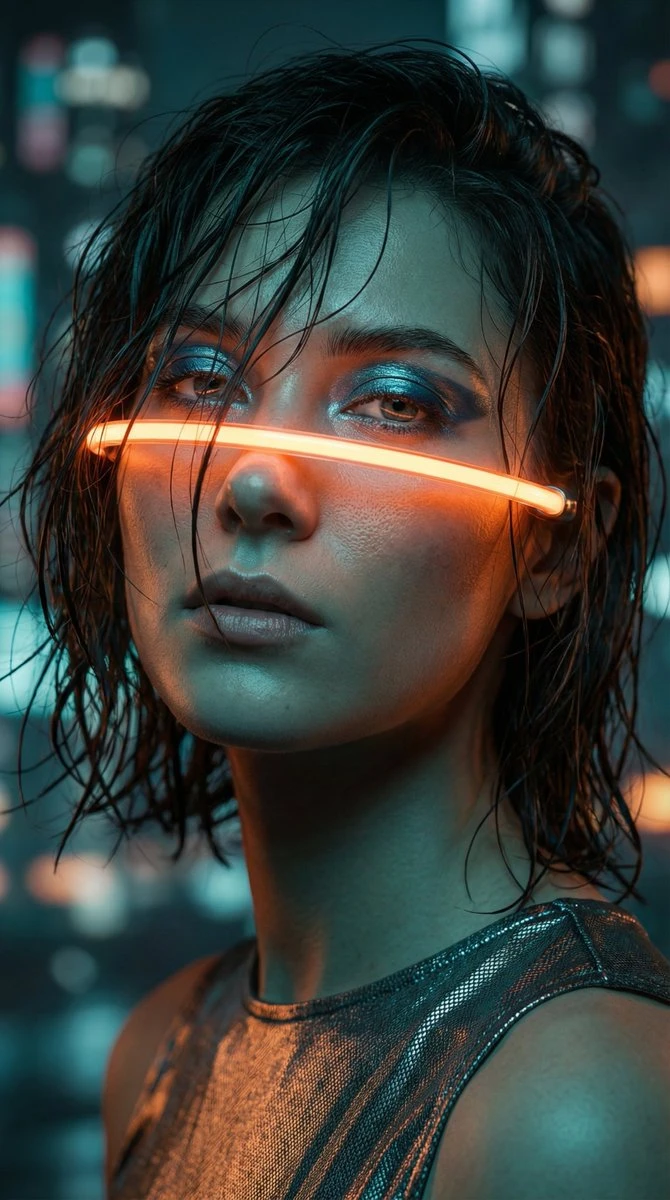
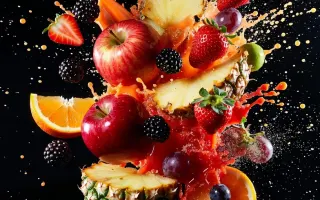
Specify a surface and a light source so you can assess how the proposed material reads.

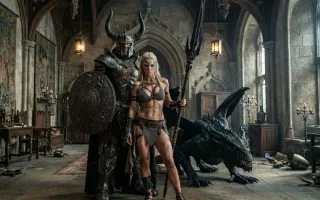
Describe the room or landscape as carefully as the subject. Compare their relative scale in the draft.
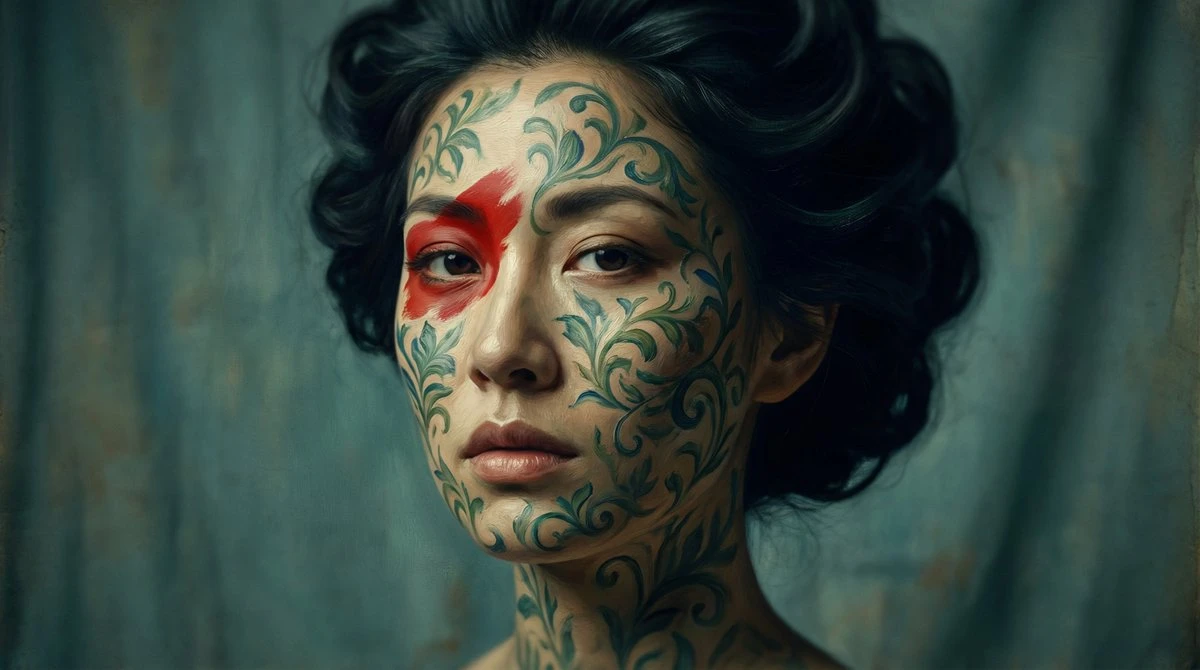
Put the chosen result into its intended layout or edit. Inspect it at the actual display size before publishing.
Define the requested change before choosing the output.
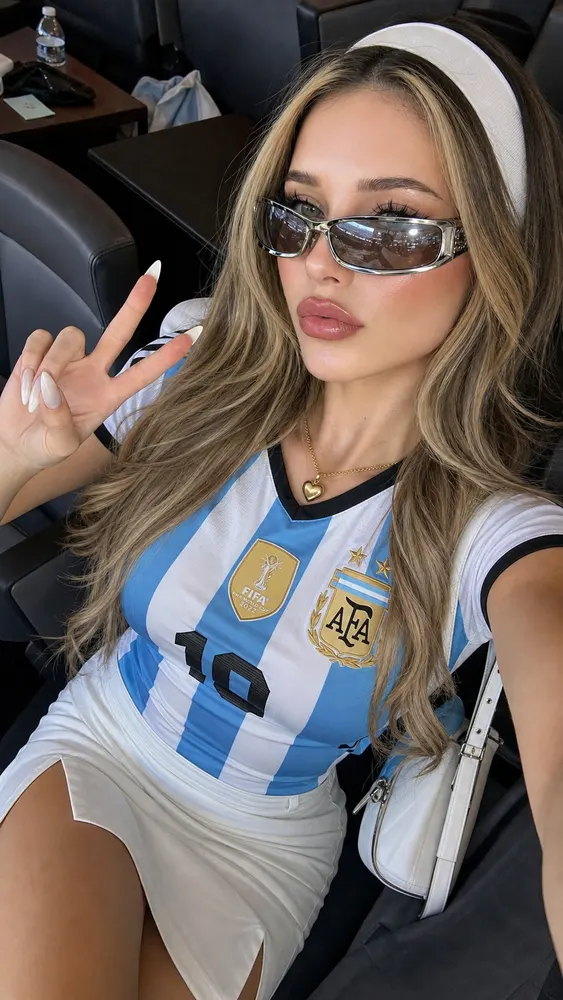
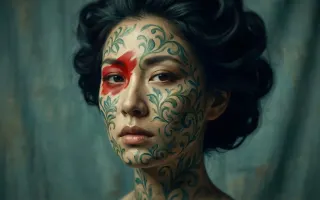
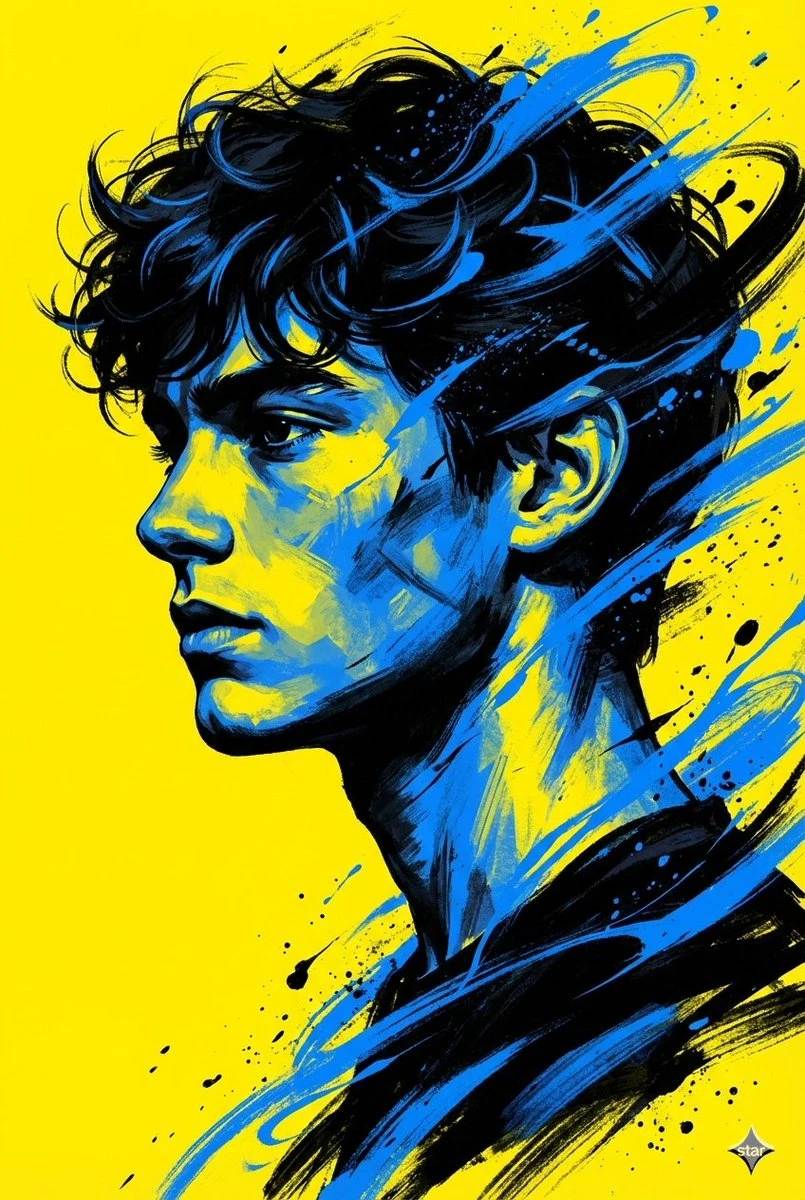
Specify the focal point, its surroundings and the light. Add a reference only when it has a clear purpose.
Select the model and an available image format. Review the credit estimate after adjusting size or quantity.
Review the completed task in Create. Enlarge important areas before deciding which draft to download.
Each direction below addresses a different visual decision.
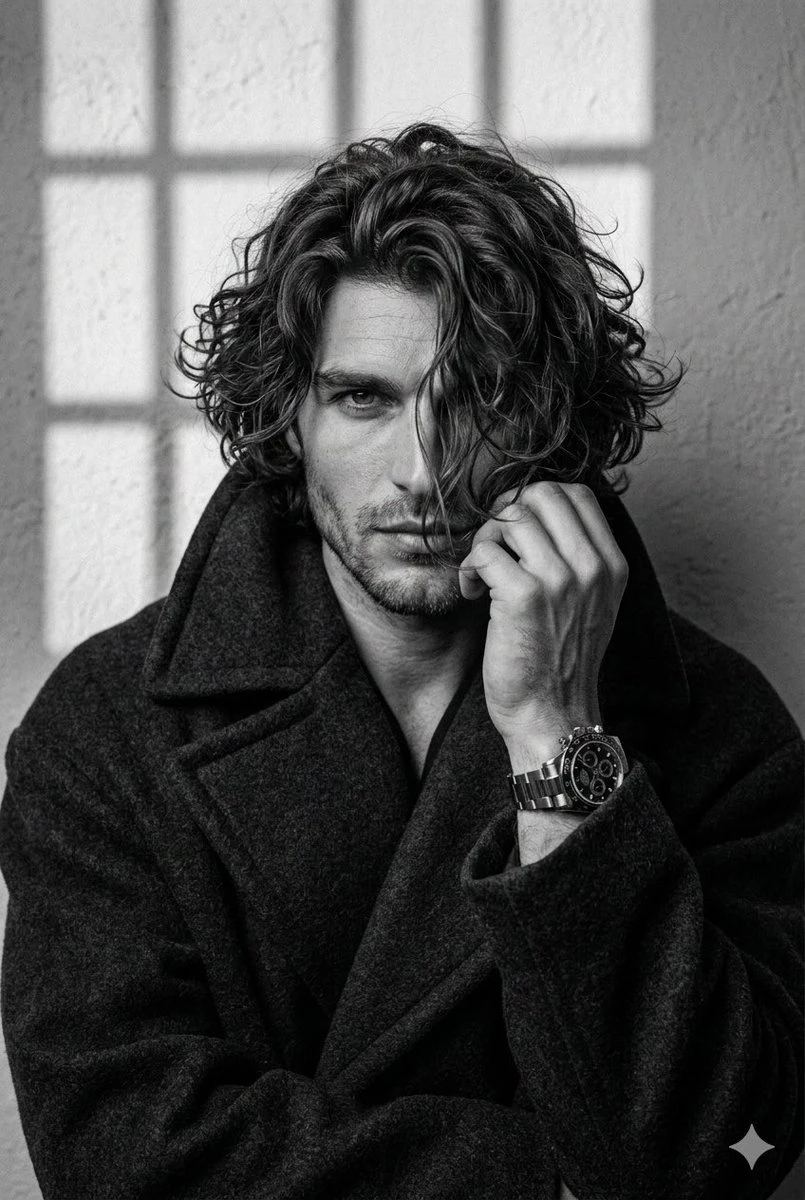
Build the image around the eventual headline placement. Add final typography after generation.
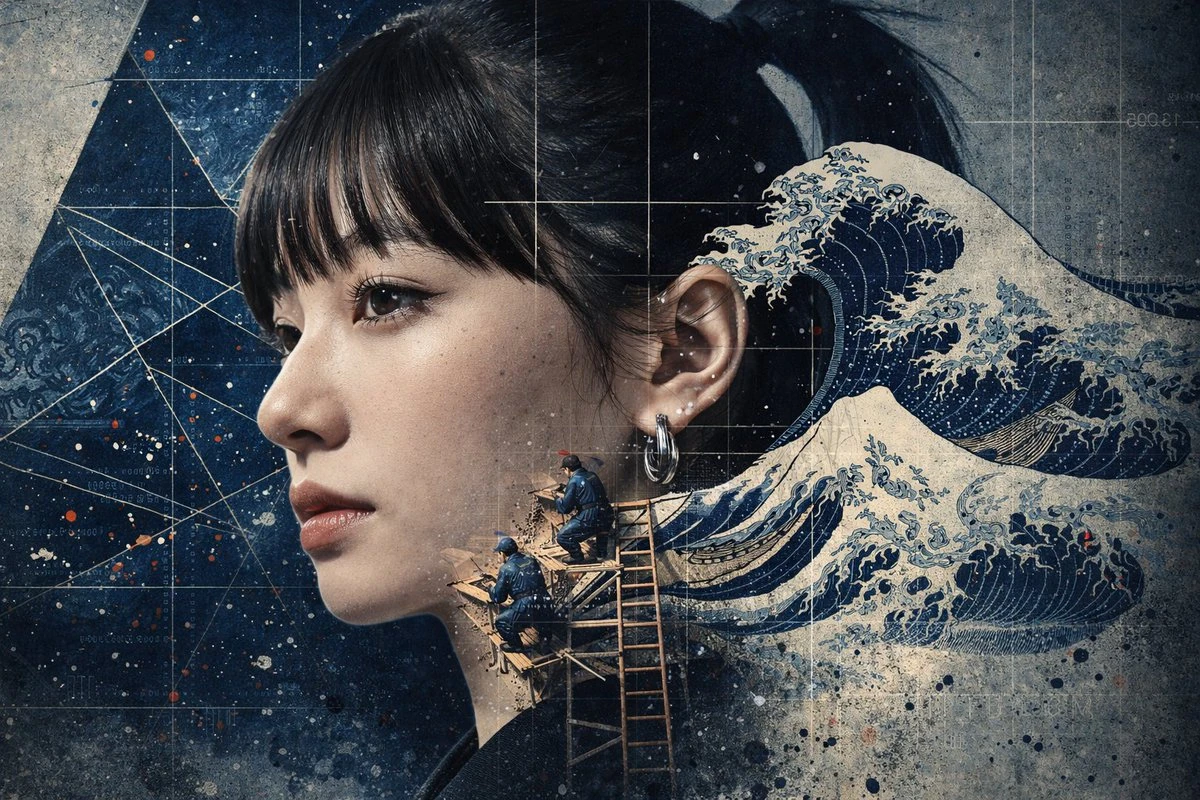
Specify a surface and a light source so you can assess how the proposed material reads.
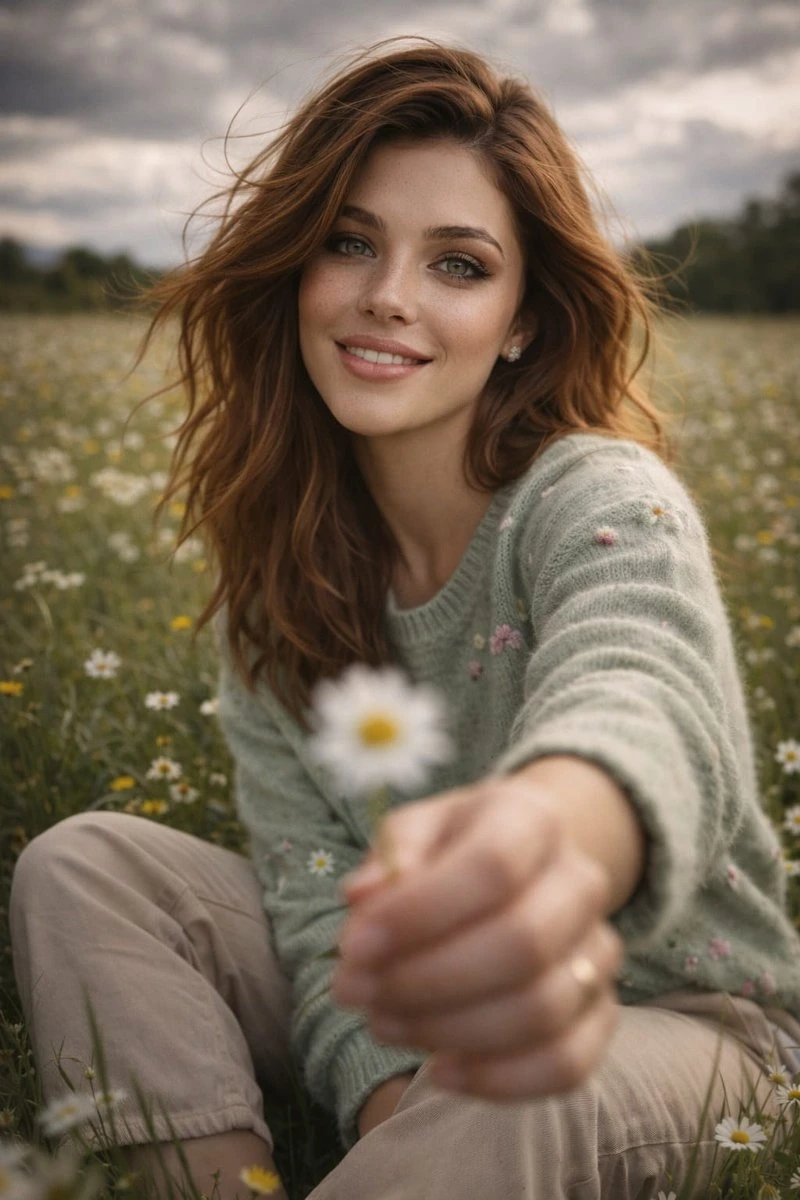
Describe the room or landscape as carefully as the subject. Compare their relative scale in the draft.

Put the chosen result into its intended layout or edit. Inspect it at the actual display size before publishing.
Check the input, expected output and cost before requesting a draft.
Need help? Contact support
Use text-to-image when you are starting from a description. Choose image-to-image when an existing photograph should guide the subject, arrangement or edit.
The composer lists supported models for the selected workflow. Keep your brief consistent when comparing versions and check the revised credit estimate before each request.
The composer shows the credit estimate for the selected model and settings. Check it again after changing the output format before submitting the request.
Wan 3.0 Image brings text-to-image creation and reference-photo editing into one workspace. Choose the workflow that fits your input, then compare the composition and detail in each result.